
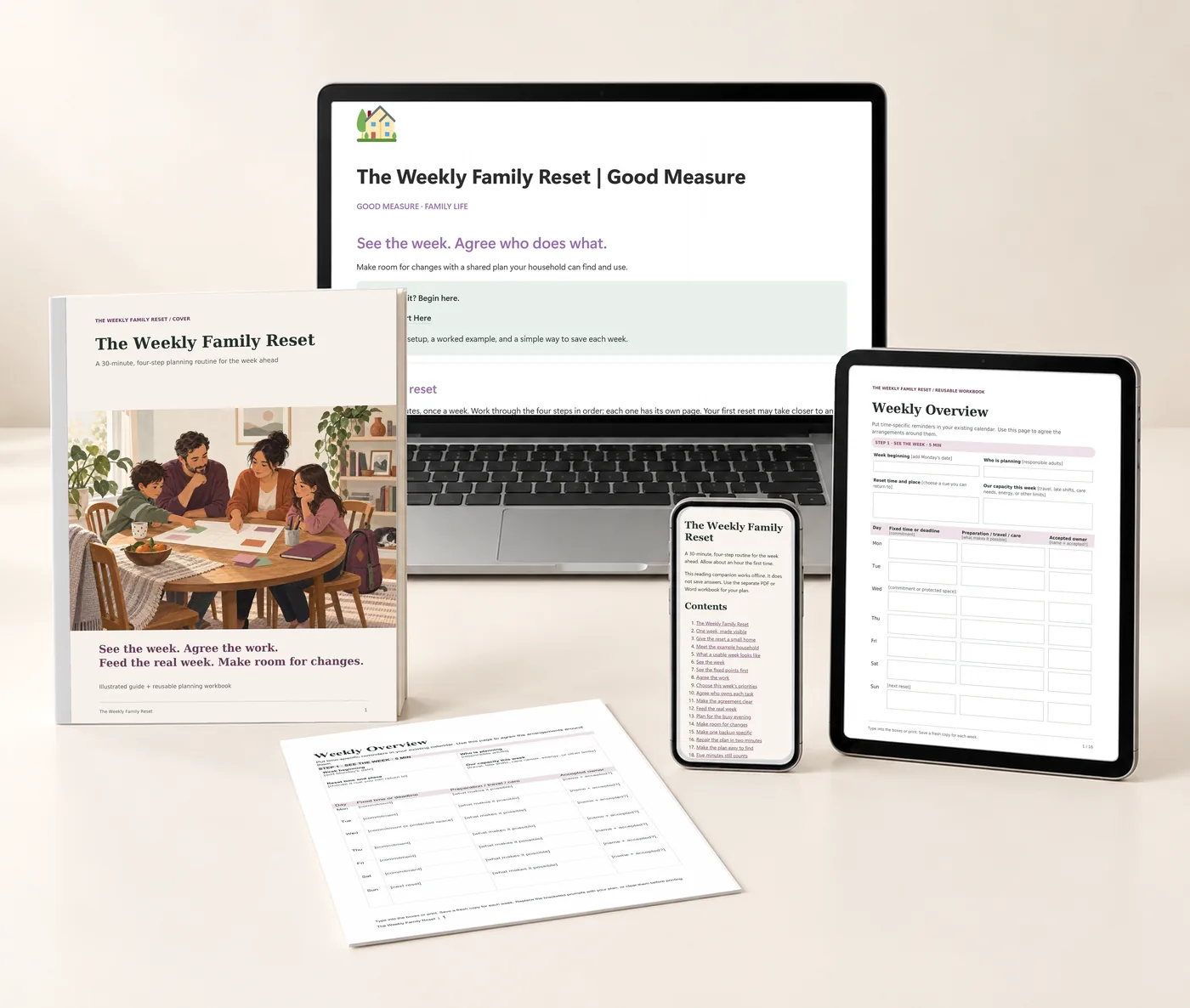
Explore each part of the kit
The Weekly Family Reset
A shared plan for the week you actually have.
$24 Proposed price · USD
Make next week easier to coordinate. A practical planning routine for fixed commitments, a few priorities, agreed owners, and a backup when plans change.
- Notion companion · Template to duplicate
- Illustrated guide · 24-page PDF
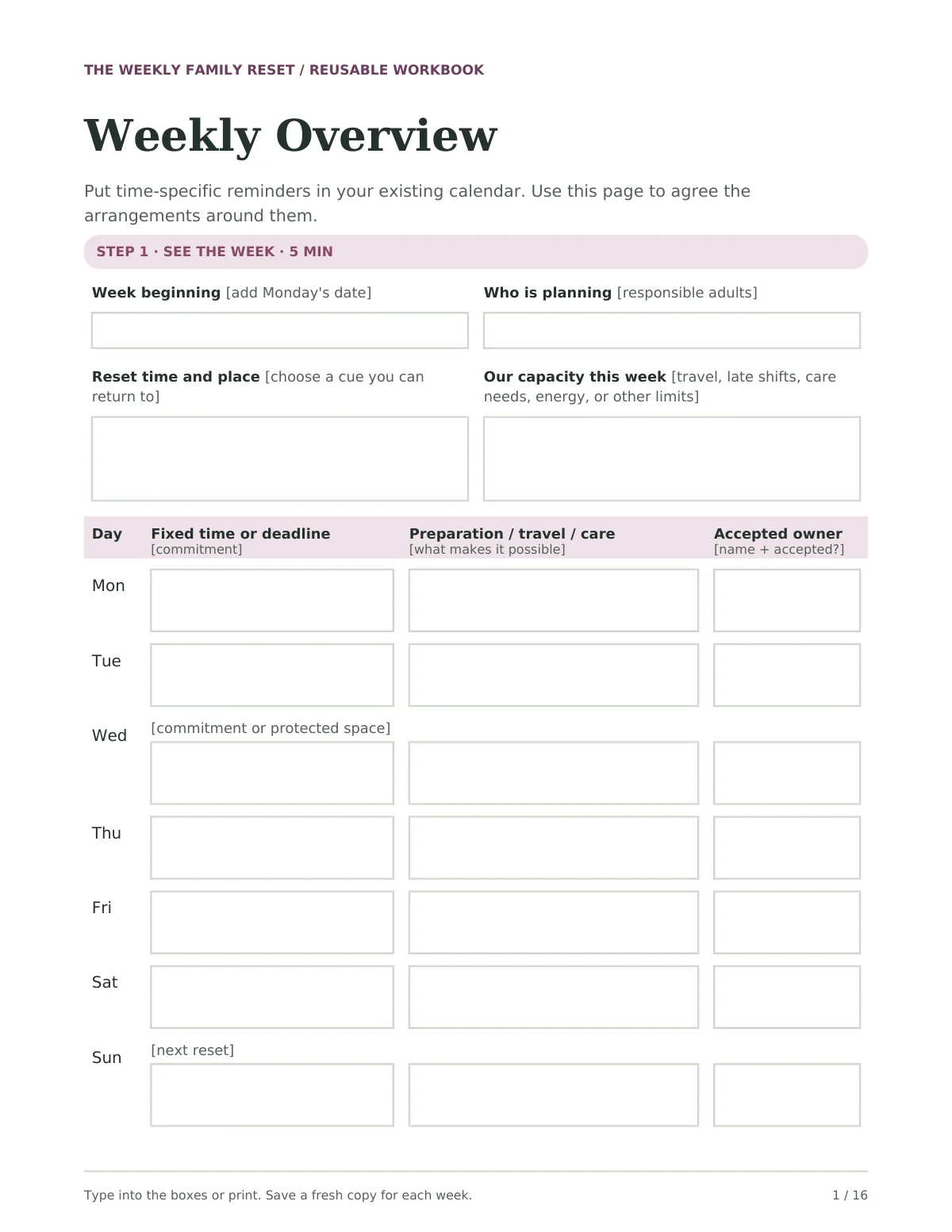
- Reusable planning workbook · 16-page fillable PDF · 177 fields
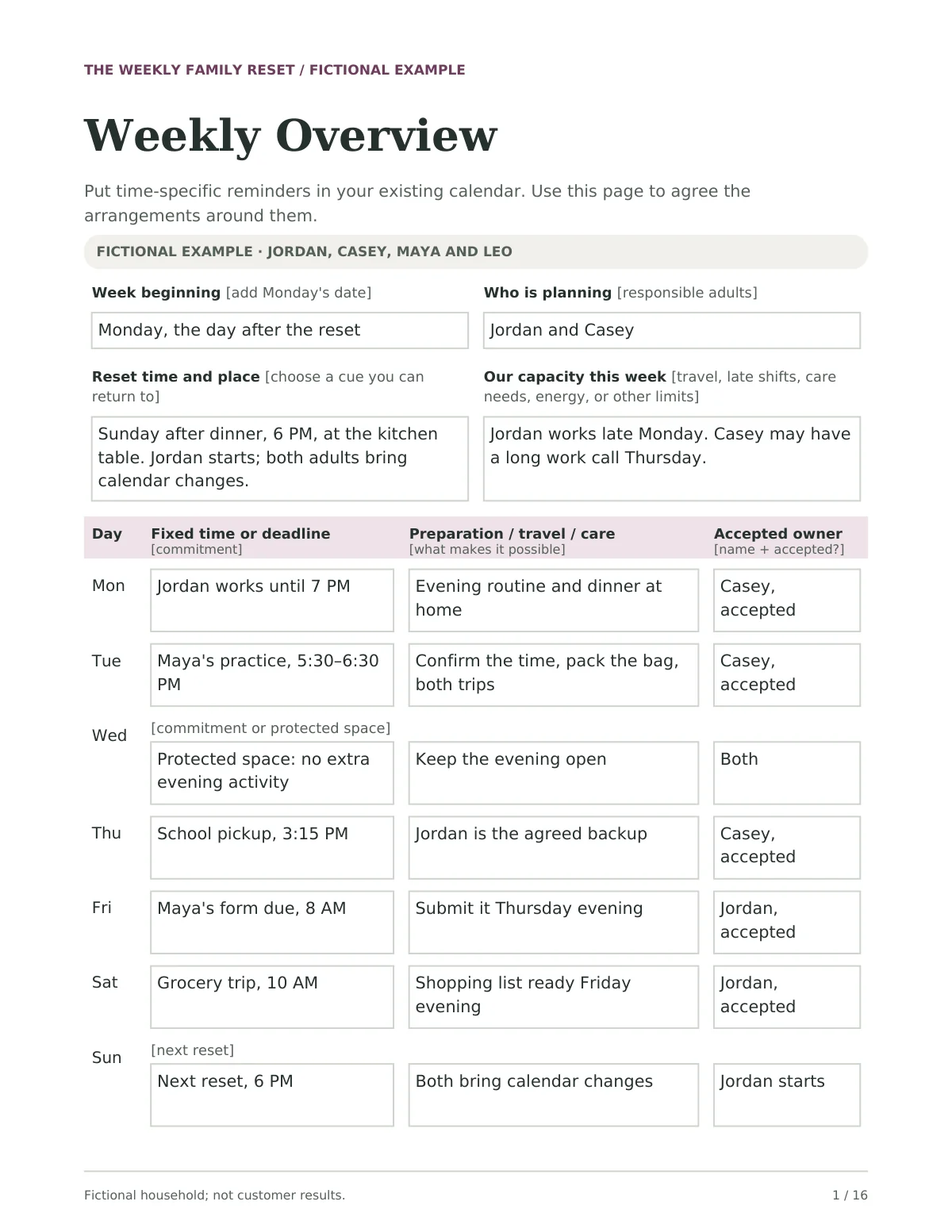
- Worked example · 16-page PDF
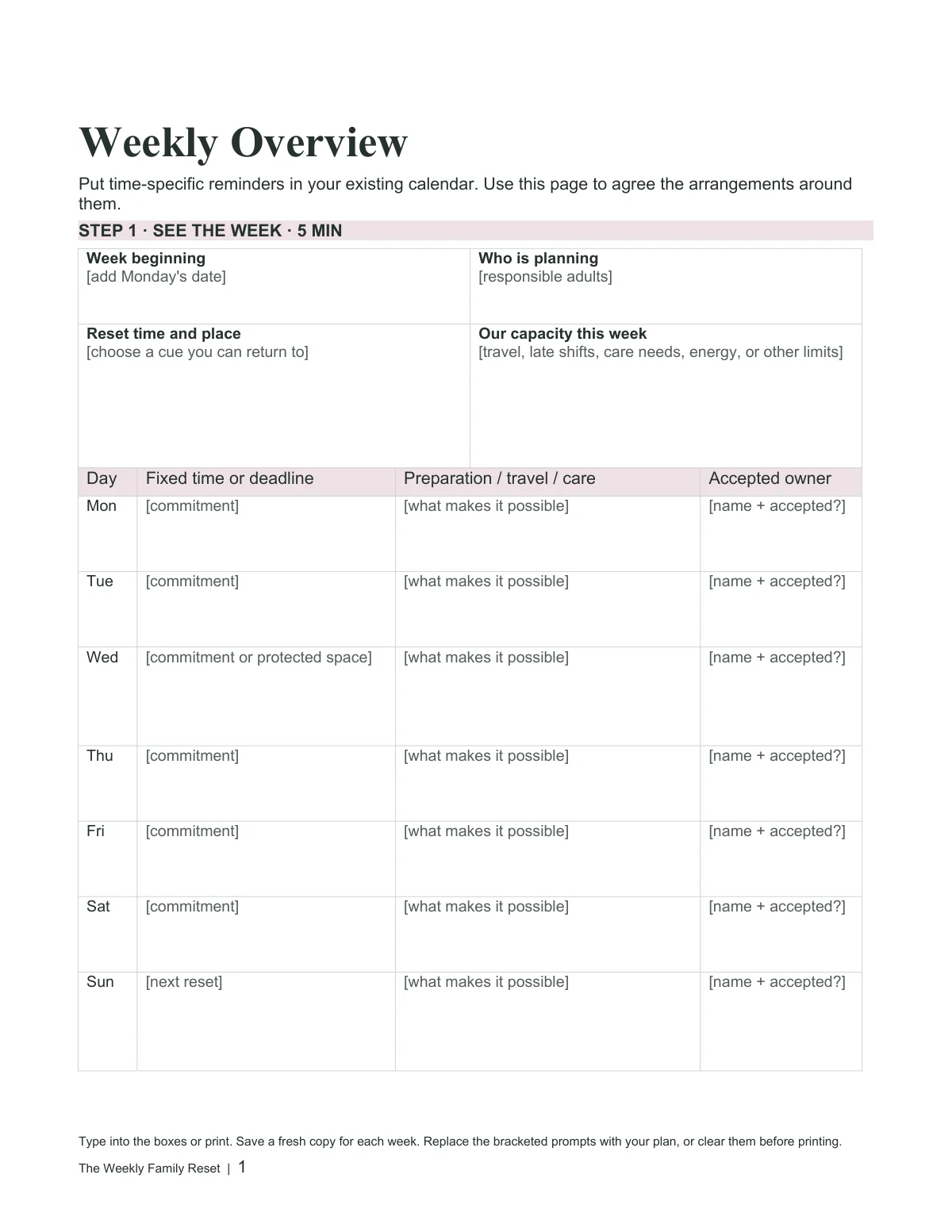
- Editable workbook · Word document
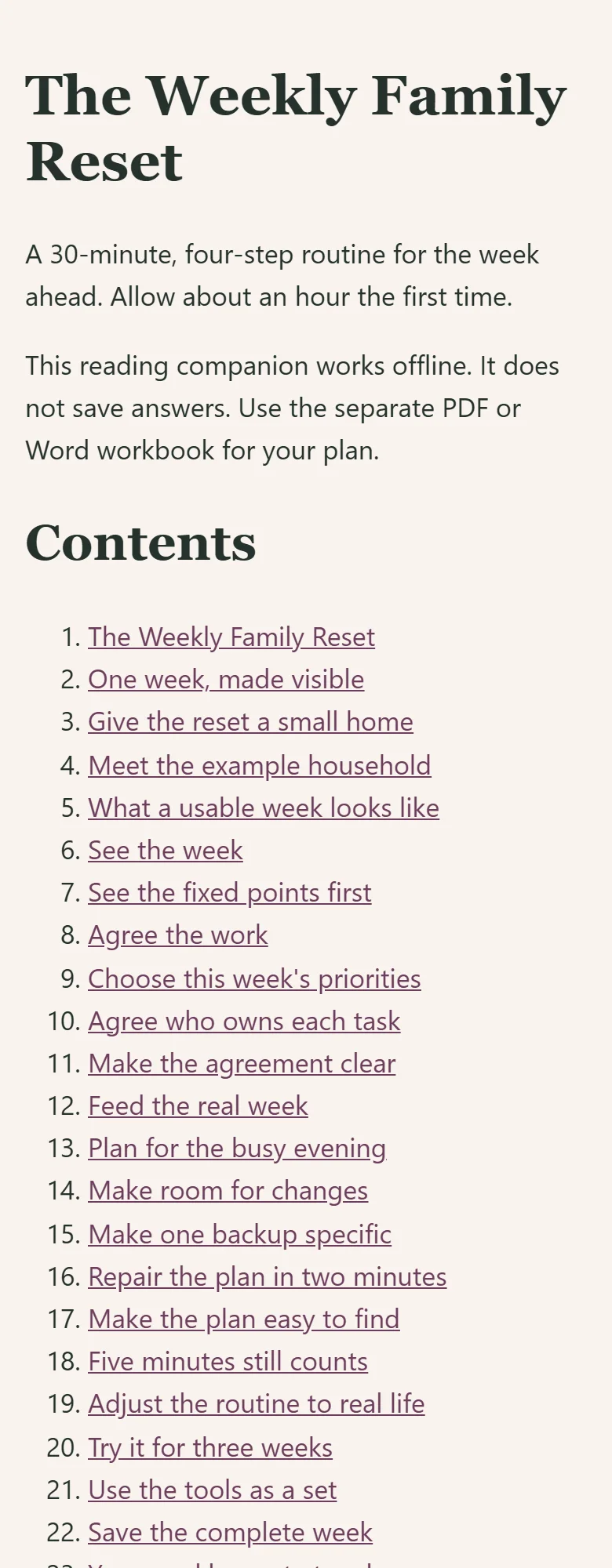
- Reading companion · Offline HTML
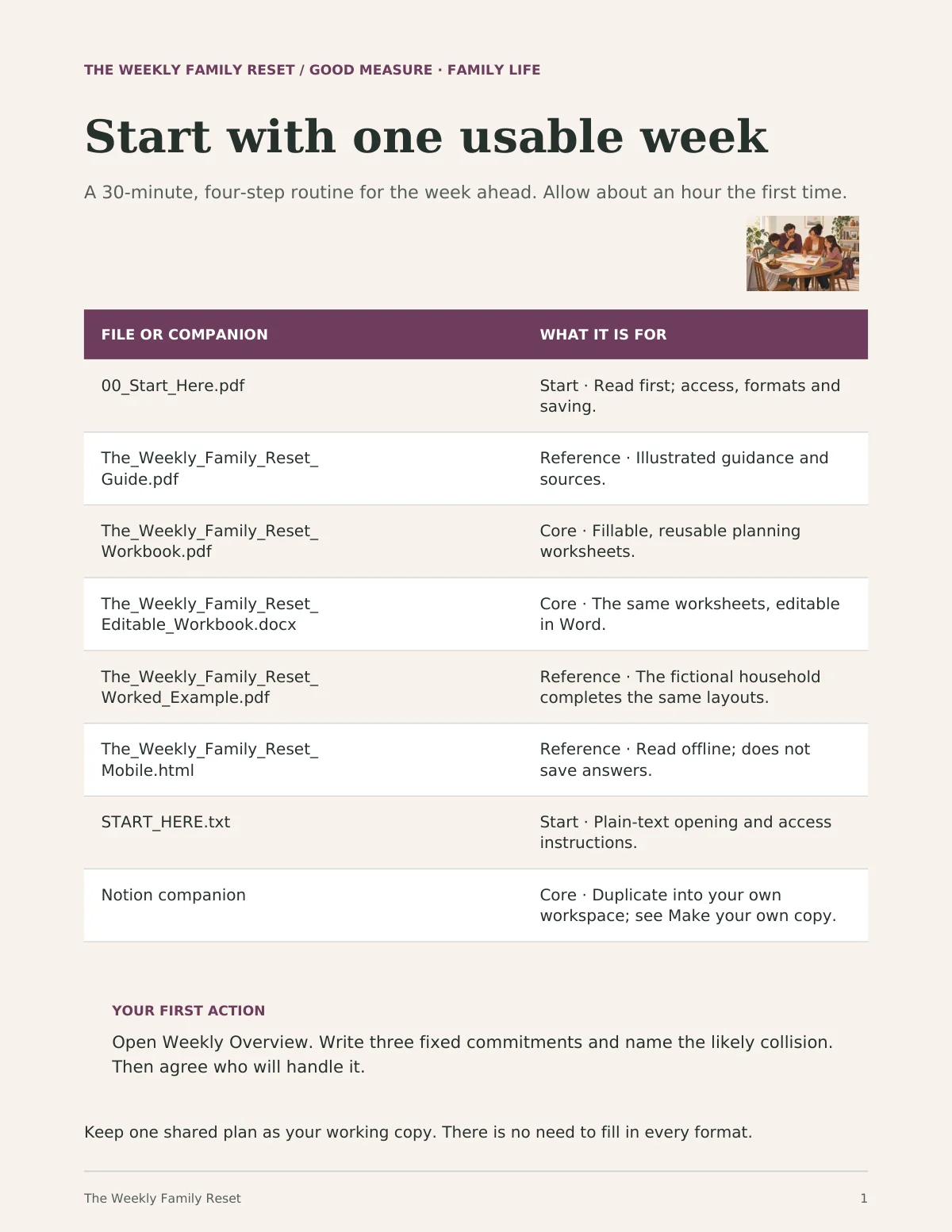
- Start Here handout · 4-page PDF + text instructions
The kit is ready to explore. Purchases open after final checkout and delivery setup.
For the weeks with a lot of moving parts.
Dual-working-parent households juggling school and activities.
A useful time to begin: schedules begin colliding.
Use your existing calendar. Bring the adults responsible for the week into the plan, and invite children into choices that fit their age. You’re working toward a visible plan with agreed owners and a backup for the likely pressure point.
A practical planning process you can adapt. It cannot promise a conflict-free household or a particular amount of time saved.
One shared place for the week.
The Notion companion brings the same routine into a workspace you can make your own.
Start at the illustrated dashboard: four steps, about 30 minutes once a week. See fixed commitments, agree tasks, plan familiar meals, and keep the backup close to hand.
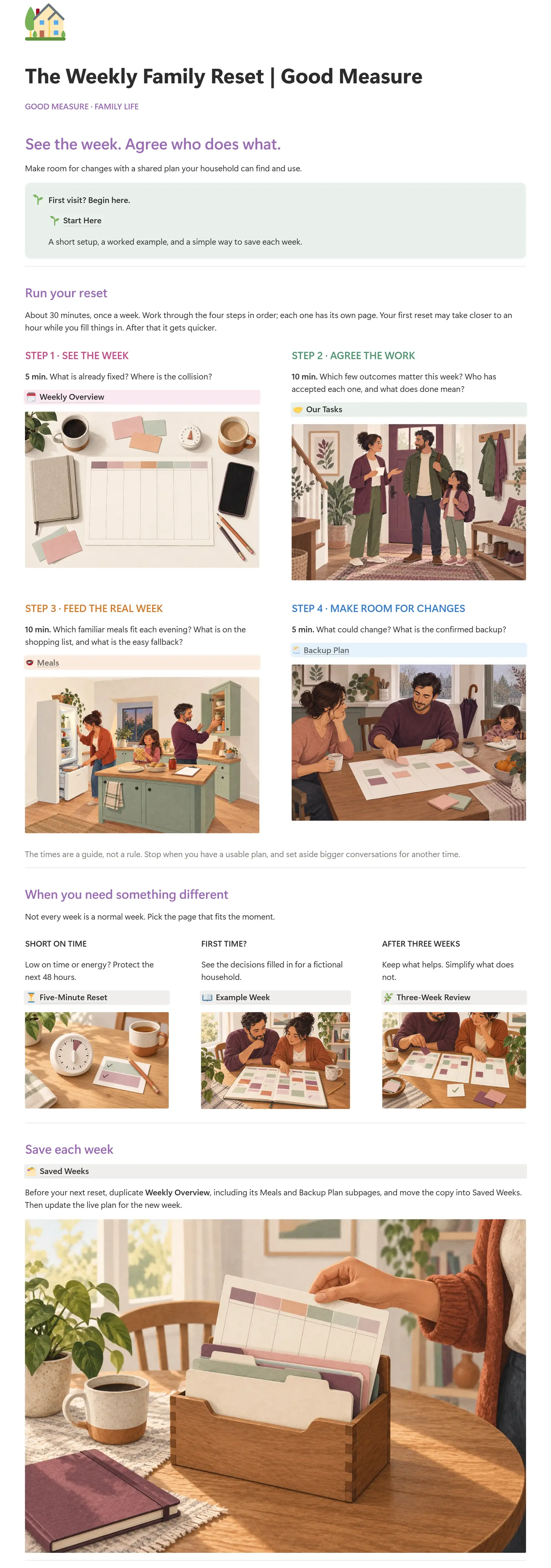 Enlarge the dashboard
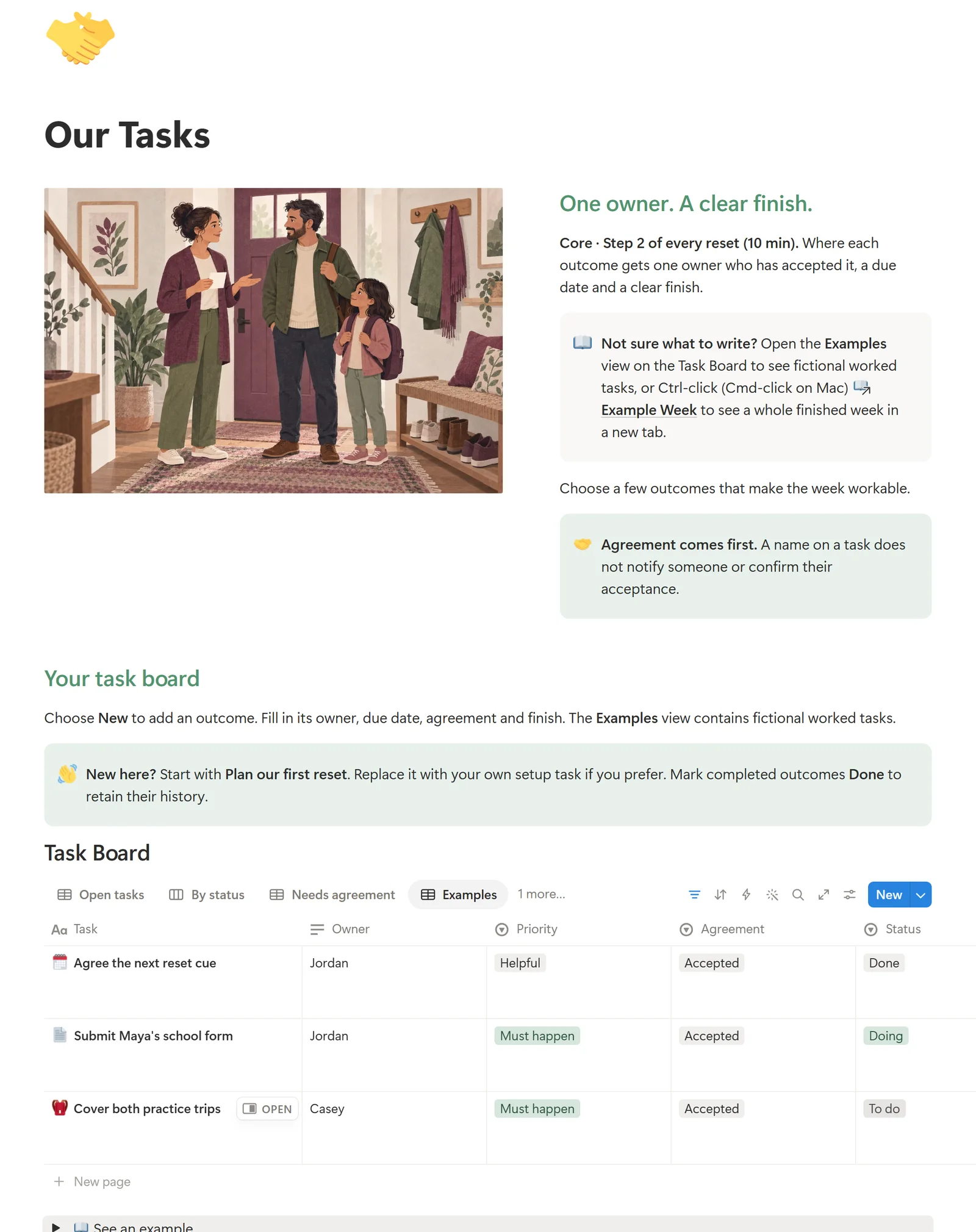 Enlarge the task board
See the whole week
Weekly Overview links to Meals and Backup Plan. Duplicate the week, with its supporting pages, into Saved Weeks before starting again.
Agree the work
A real task database with Open tasks, By status, Needs agreement, Completed, and Examples views. Record an owner, a due date, and what done means.
Find your way back
Use the fictional Example Week to get started, the Five-Minute Reset when time is short, and the Three-Week Review to keep what helps.
Included with the complete kit, not a separate purchase. Requires your own Notion account; PDF and Word work without it. Your duplicate is your own copy. Calendar sync, automatic reminders, and task-owner notifications are not included.
Also in your kit.
Real pages from each included file, alongside the Notion companion. Open a preview to see the detail.
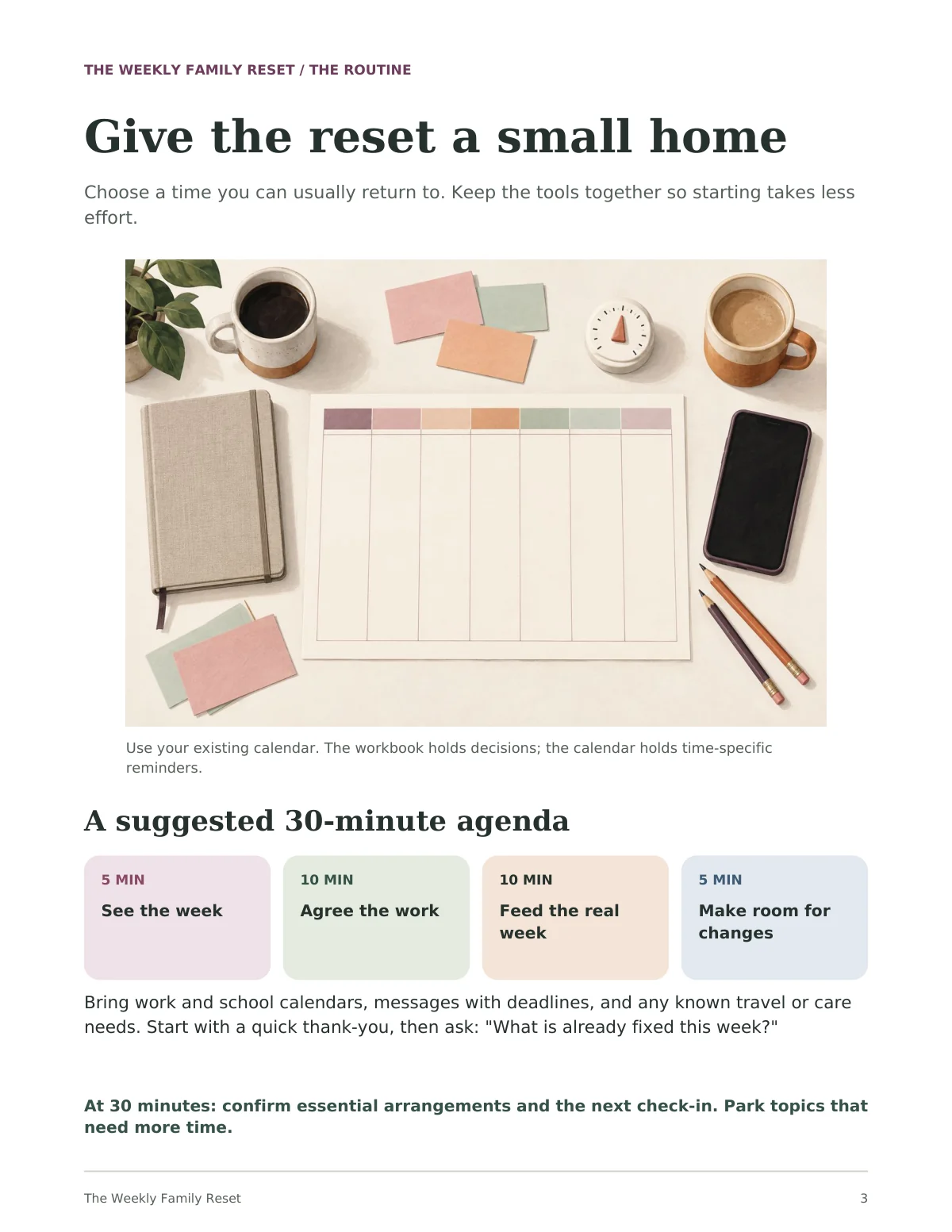
One kit. Your way to use it.
Start with one useful task, then choose the format that fits. You don’t need to use every tool.
- Template to duplicate
Notion companion
A branded dashboard, weekly overview, task board, meals, backup plans, example week, and review tools in your own Notion account.
- 24-page PDF
Illustrated guide
Walk through the routine, with a fictional example week and a shorter reset for busy days.
- 16-page fillable PDF · 177 fields
Reusable planning workbook
Map the week, choose priorities, agree owners, plan meals, make a backup, and review what worked. Type or print.
- 16-page PDF
Worked example
The same six worksheets, filled in for a fictional household. Open it beside your own copy.
- Word document
Editable workbook
Change the labels and add room for the details your household needs.
- Offline HTML
Reading companion
Read the guide and the worksheets in your browser, including on a phone. This file does not collect or save answers.
- 4-page PDF + text instructions
Start Here handout
Choose your formats, get set up, and learn how to save and reuse your tools.
The Notion companion is delivered by a separate duplicate link and needs your own Notion account. It does not automatically send reminders or synchronize calendars.
The six worksheets cover your weekly overview, tasks and owners, meals, a backup plan, a five-minute reset, and a three-week review. Print them or use a PDF reader that supports form fields; save and reopen a copy to check your answers.
Customer template access is being prepared before sales open.
Four small decisions.
- 01. See the weekFixed times and the likely collision
- 02. Agree the workA few outcomes, one accepted owner, and what done means
- 03. Feed the real weekFamiliar meals, a shopping list, and an easy fallback
- 04. Make room for changesOne backup, confirmed together
Thirty minutes is a suggested agenda, not a promised completion time. Allow about an hour the first time. The five-minute version focuses on the next 48 hours.
Before you begin.
Who is this kit for?
It was written for busy households coordinating school, activities, work, and care. Bring the responsible adults into the plan and adapt the routine to your household. You can also use the tools when planning on your own.
Can I buy this guide yet?
You can explore real pages now. Checkout will open once Notion access, the complete kit, and delivery setup are ready. The displayed price is provisional.
Do I need Notion?
No. The guide and worksheets work on their own. If you prefer a shared digital workspace, duplicate the companion into your own Notion account. A Notion account is required for that option; no Notion subscription is included.
Can I type into the worksheets?
Yes. The 16-page PDF workbook has 177 fillable fields. Use a PDF reader that supports form fields, then save and reopen a copy to check your answers. You can also print the pages or edit the Word version.
Does it send reminders or sync our calendars?
No. Use your existing calendar for appointments and reminders. The Notion companion organizes your plans; it does not automatically notify task owners, confirm agreements, or synchronize calendars. The HTML file is a reading companion and does not save answers.
How will I get the kit?
When sales open, your purchase downloads will contain a separate Notion template link and the files. Start with 00_Start_Here.pdf and keep your receipt so you can return to the downloads. No physical item is shipped.
Will the first reset take thirty minutes?
Thirty minutes is a suggested agenda, not a completion-time promise. Your first reset may take closer to an hour while you fill things in. A shorter version focuses on the next 48 hours when time or energy is limited.
A place to start, and start again.
The Weekly Family Reset · Complete Kit