Explore the guides before launch. Purchases are not open yet.
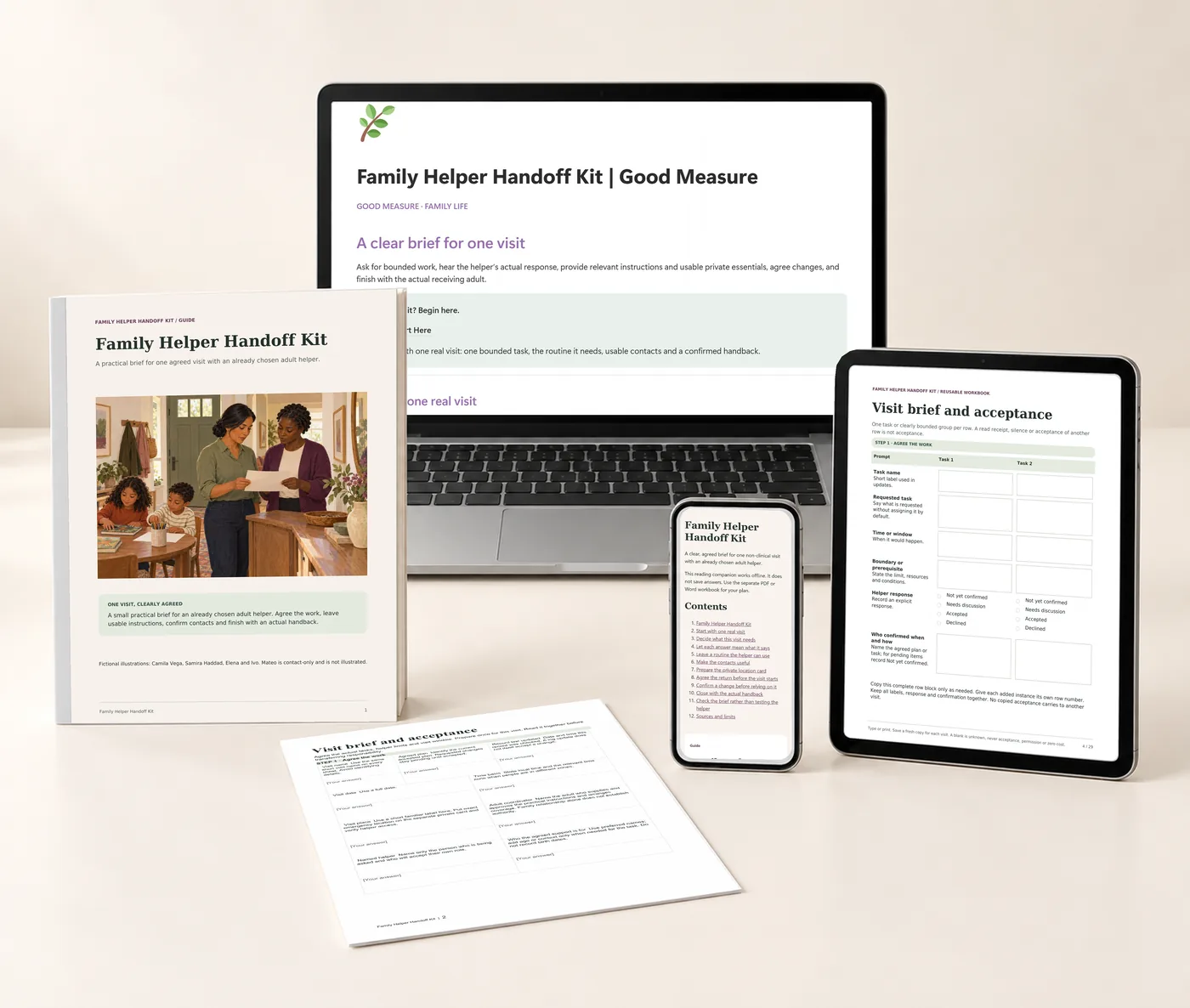
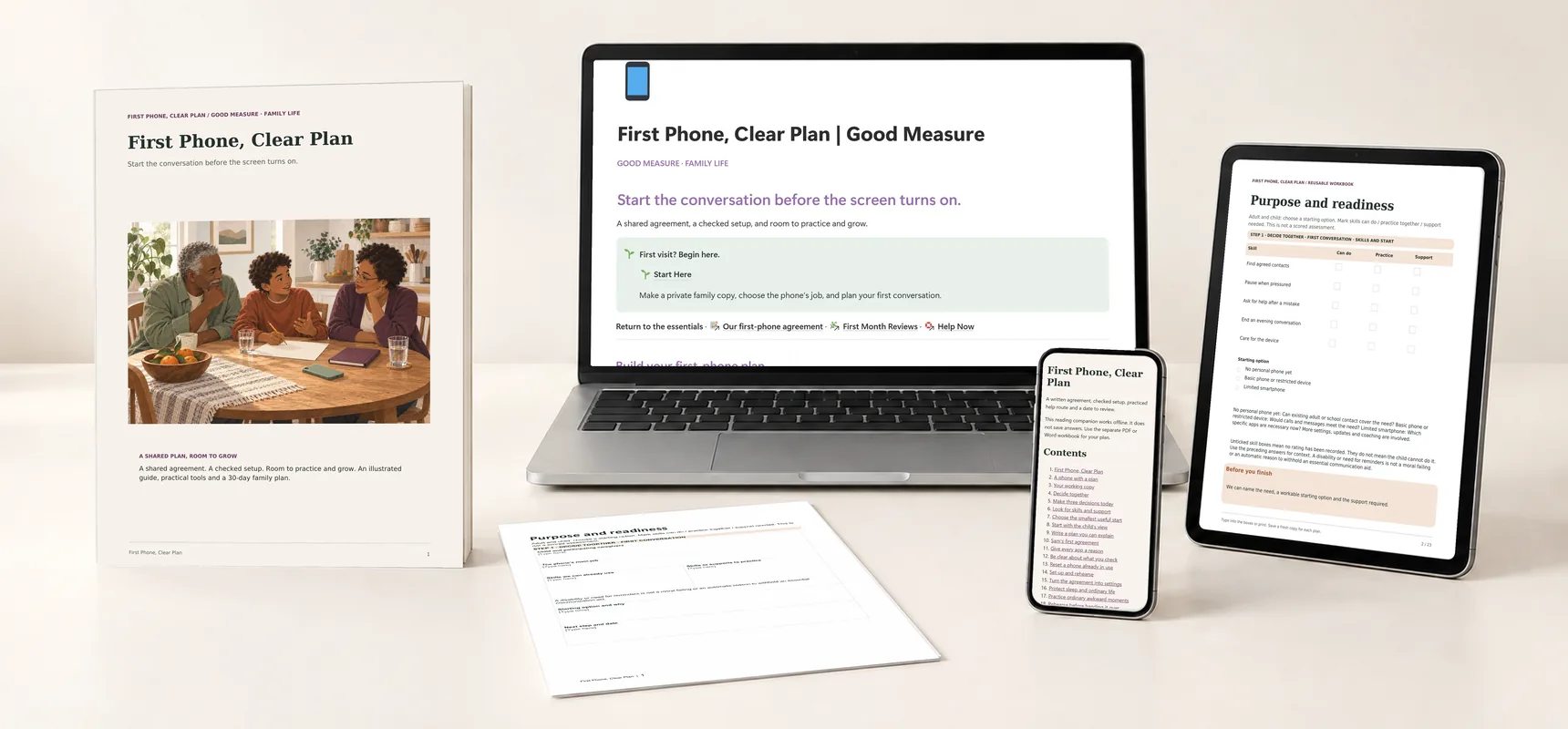
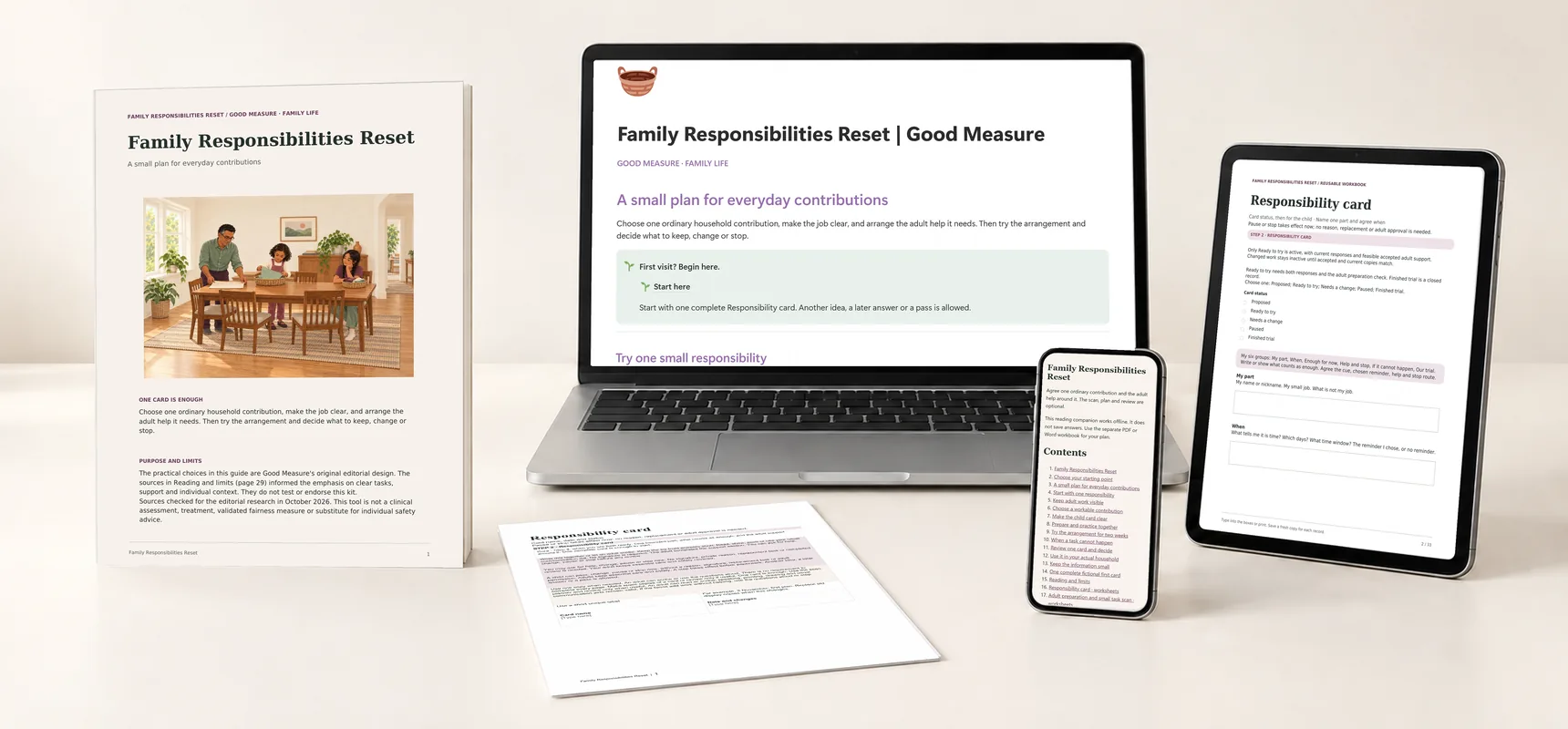
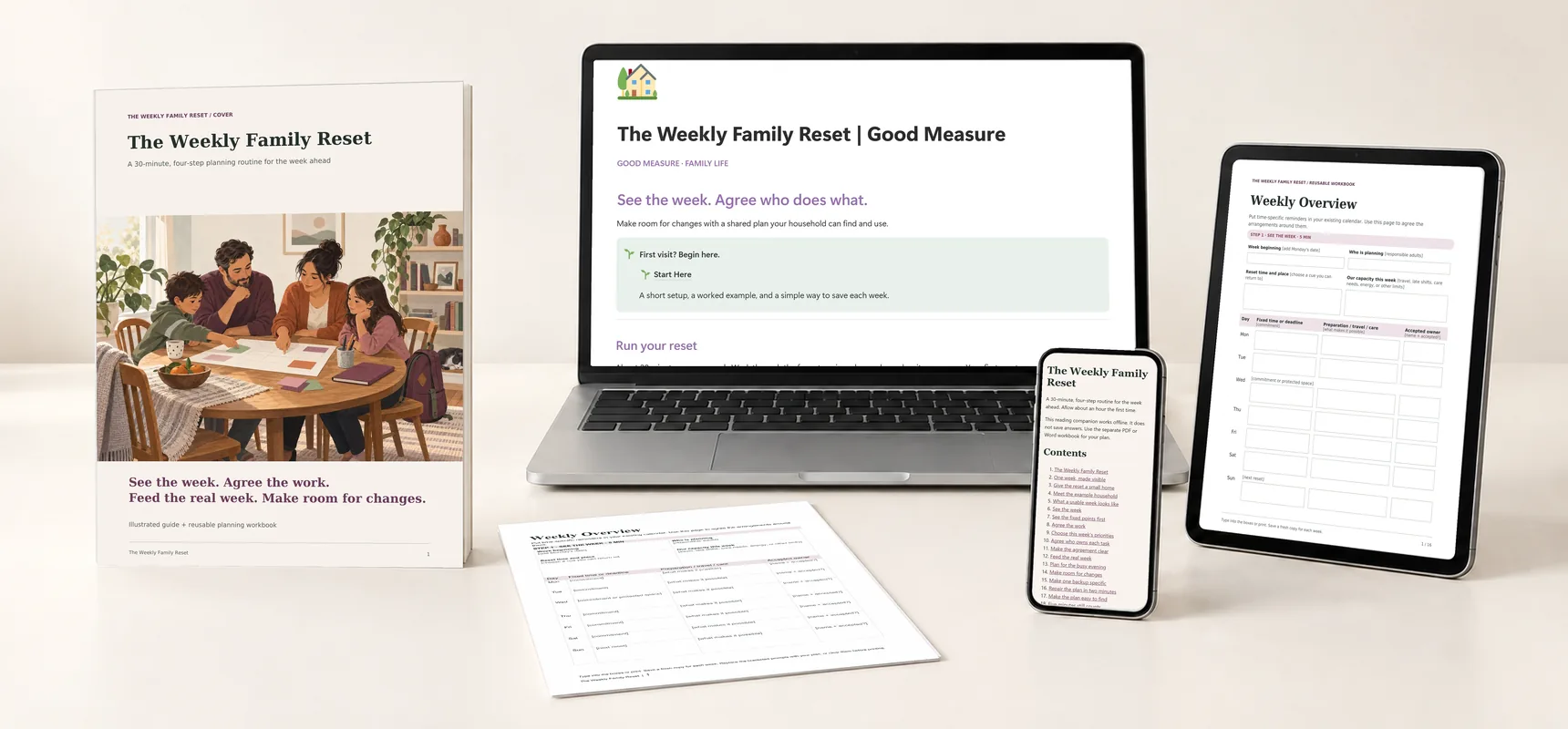
Family Helper Handoff Kit: printed guide and worksheet, the Notion companion on a laptop, planning tools on a tablet and the offline reader on a phone.
A whole kit to find your own way.Real pages, tools and companion previews · Digital files only
Explore each part of the kit

Family Helper Handoff Kit

Put the details your helper needs within reach.

$19 Proposed price · USD

Routine overview, approved-contact sheet, household instructions and update log.

  • Notion companion · Template to duplicate
  • Illustrated guide · 19-page PDF
  • Reusable visit workbook · 29-page fillable PDF · 183 fields
  • Editable workbook · Word document
  • Fictional worked example · 33-page PDF
  • Quick cards · 5-page PDF
  • Reading companion · Offline HTML
  • Start Here handout · 4-page PDF + text instructions

The kit is ready to explore. Purchases open after final checkout and delivery setup.

For the afternoons someone else is in charge.

Households relying on grandparents, babysitters or multiple helpers.

A useful time to begin: a new caregiver or changing schedule.

Start with one real visit and a helper you have already chosen. Sit down together with the visit brief, ask what they accept, and fill only the rows that visit needs. Each new visit starts fresh.

Caregivers should follow the parents' approved instructions. Store completed sheets securely and share only the details needed for care.

One private brief for each visit.

The Notion companion holds the same four visit tools as the workbook, in your own account.

The home walks through four steps: Visit brief and acceptance, Routine overview and household instructions, Approved contacts and confirmed handoff, and Changes and handback. You copy a blank visit each time.
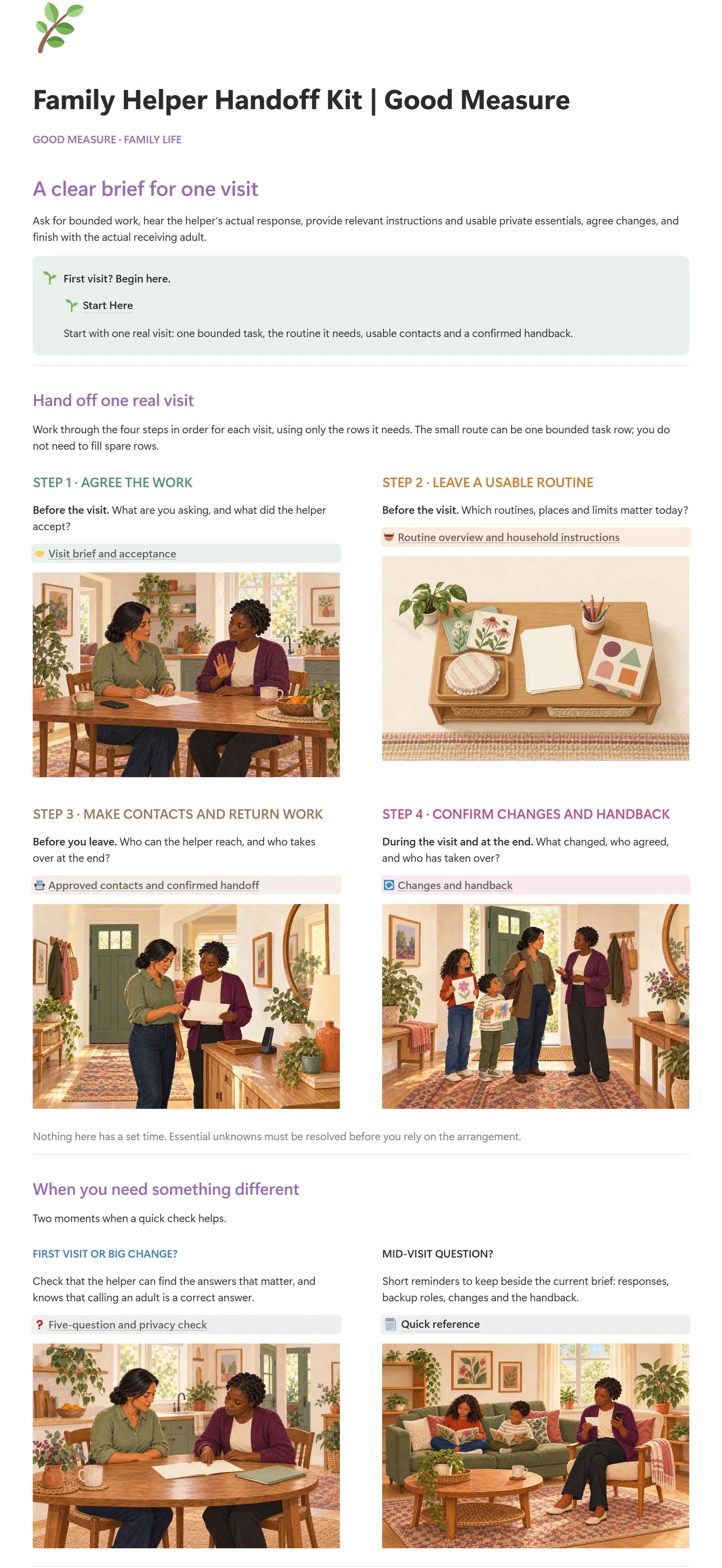
Actual Notion home page of Family Helper Handoff Kit: the title, the Start Here callout and the first illustrated cardsEnlarge the dashboard
The home page: four step cards for one visit, two quick checks and a reference shelf.
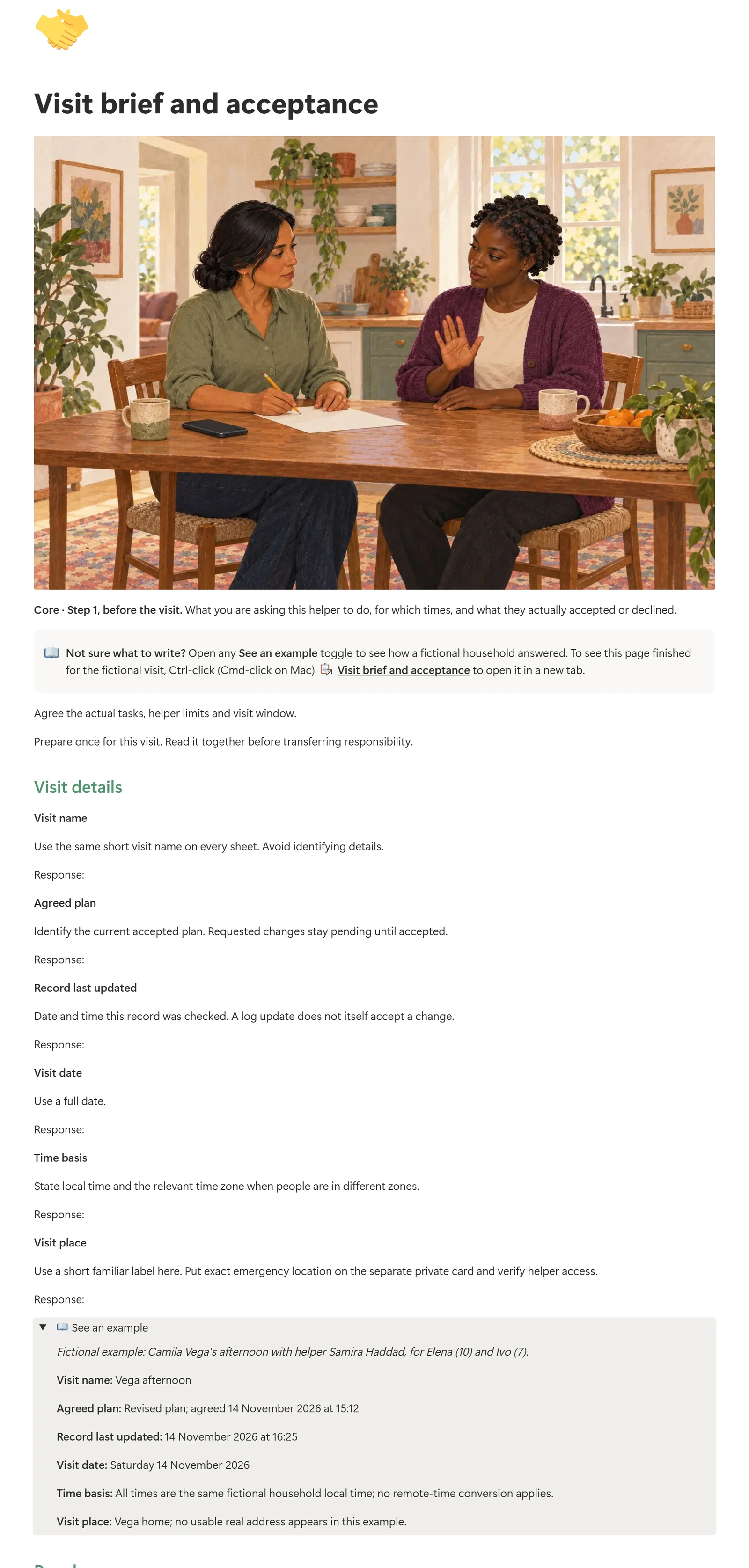
Actual Notion Visit brief and acceptance page with fictional examplesEnlarge the visit brief
The Visit brief tool with a fictional example open: Camila and Samira's tasks, with the declined outing kept visible. Camila and Samira are fictional.

Request and response

Visit brief and acceptance keeps each requested task beside the helper's own answer: not yet confirmed, needs discussion, accepted or declined.

Contacts with clear roles

Approved contacts and confirmed handoff separates a contact-only person from someone who accepted cover, and names who takes over at the end.

Fresh for each visit

Copy Blank visit for each new visit, so the four steps and the optional Five-question and privacy check travel together. Earlier agreement does not carry over.

Included with the complete kit, not a separate purchase. Requires your own Notion account; PDF and Word work without it. Your duplicate is your own copy. It sends no notifications or reminders, does not sync with the PDF or Word files, and does not assign work or show that a person or arrangement is suitable.

Also in your kit.

Real pages from each included file, alongside the Notion companion. Open a preview to see the detail.
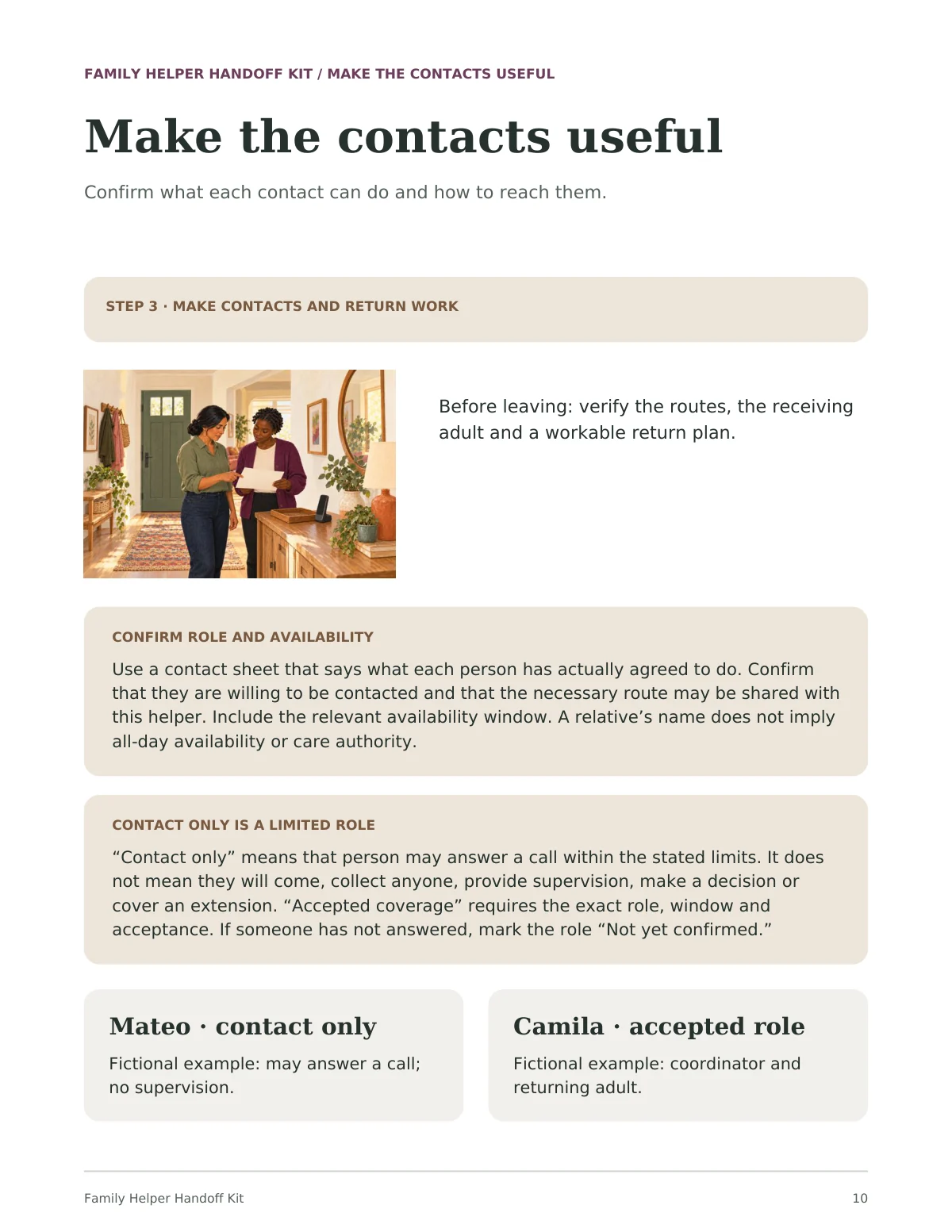
Guide page titled Make the contacts useful: an illustration of a parent handing a helper a sheet in a hallway, two shaded panels on confirming roles, and two cards reading Mateo, contact only and Camila, accepted role.
Illustrated guidePDFGuide page 10 of 19. Mateo and Camila are a fictional household.
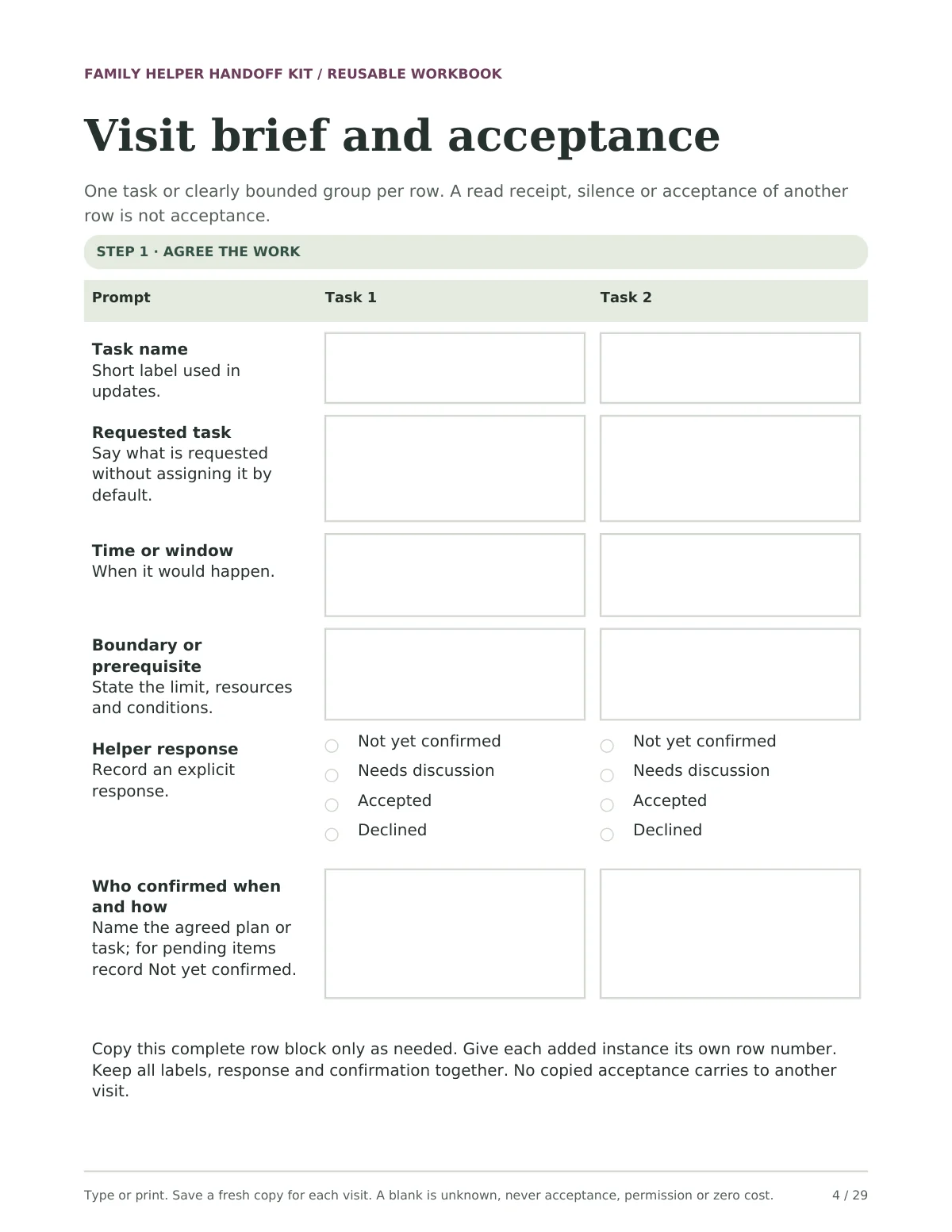
Blank Visit brief and acceptance page with boxes for task name, requested task, time, boundary and confirmation for two tasks, and a choice of Not yet confirmed, Needs discussion, Accepted or Declined.
Fillable workbookPDFWorkbook page 4 of 29. Type into the PDF or print and write. Start a fresh copy for each visit.
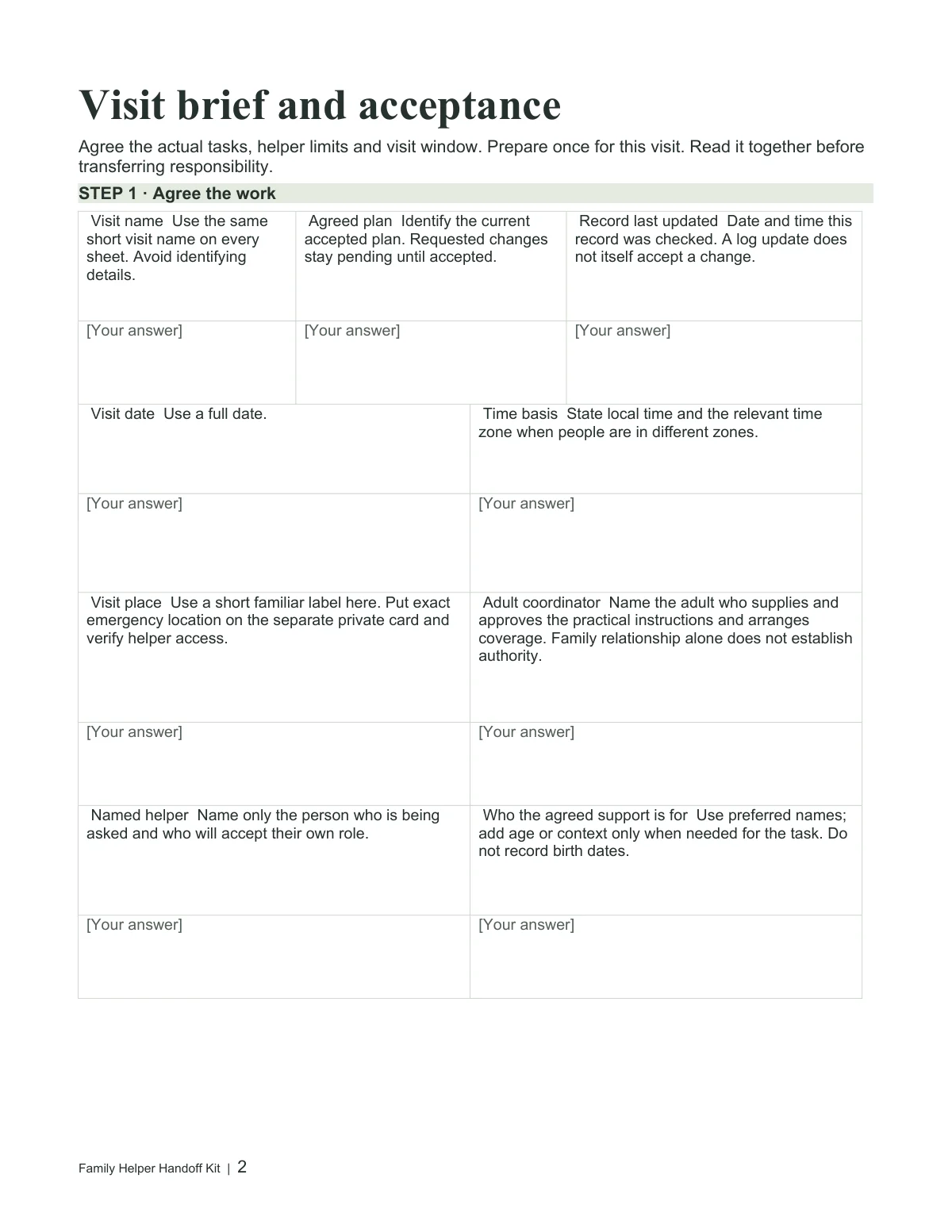
The Visit brief and acceptance worksheet open as an editable Word document.
Editable workbookWord · .docxRendered from the actual Word file. Fonts and page breaks may vary by editor.
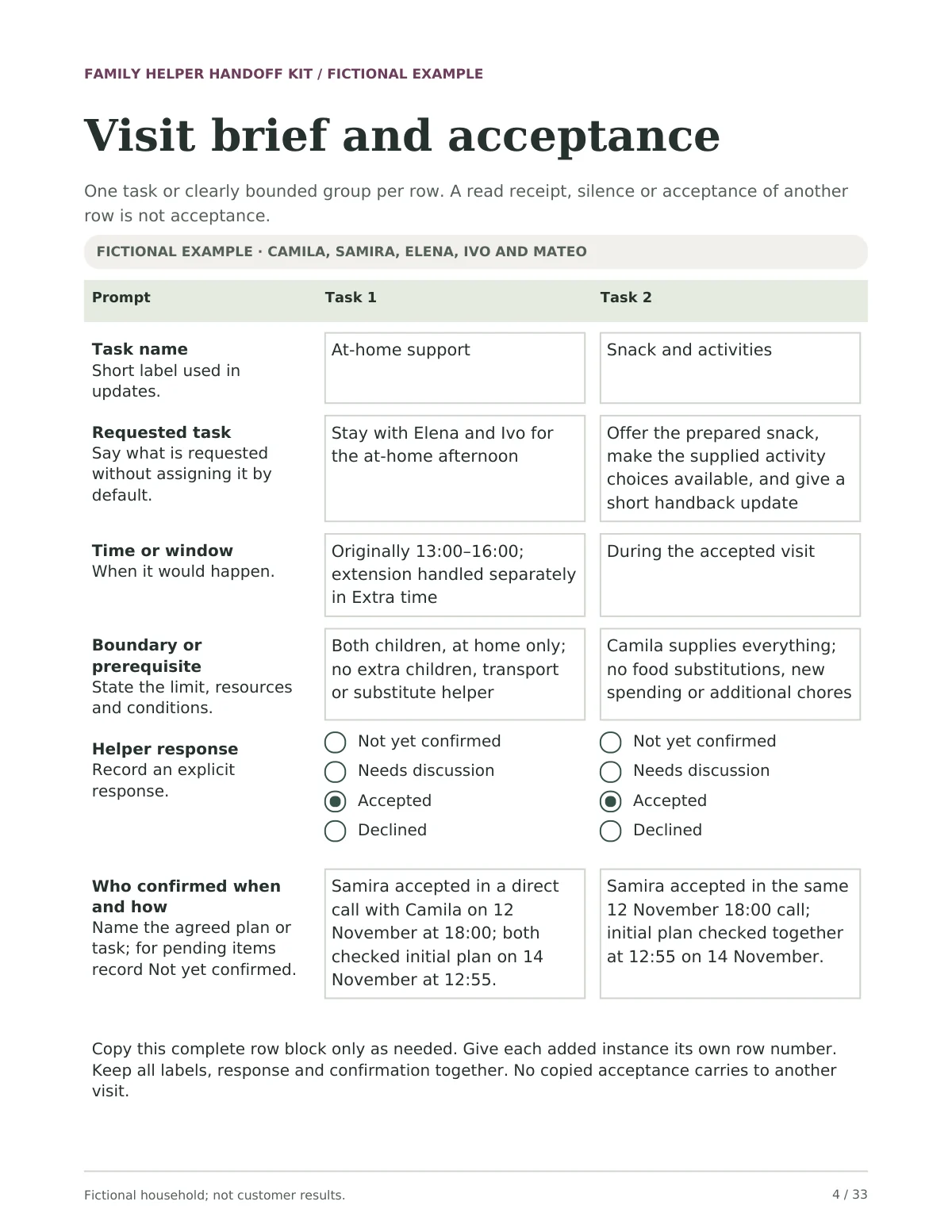
Completed Visit brief task page: at-home support and snack and activities for Elena and Ivo, both marked Accepted, with when and how Samira confirmed.
Fictional worked examplePDFWorked example page 4 of 33. Camila, Samira, Elena, Ivo and Mateo are fictional. These are not customer results.
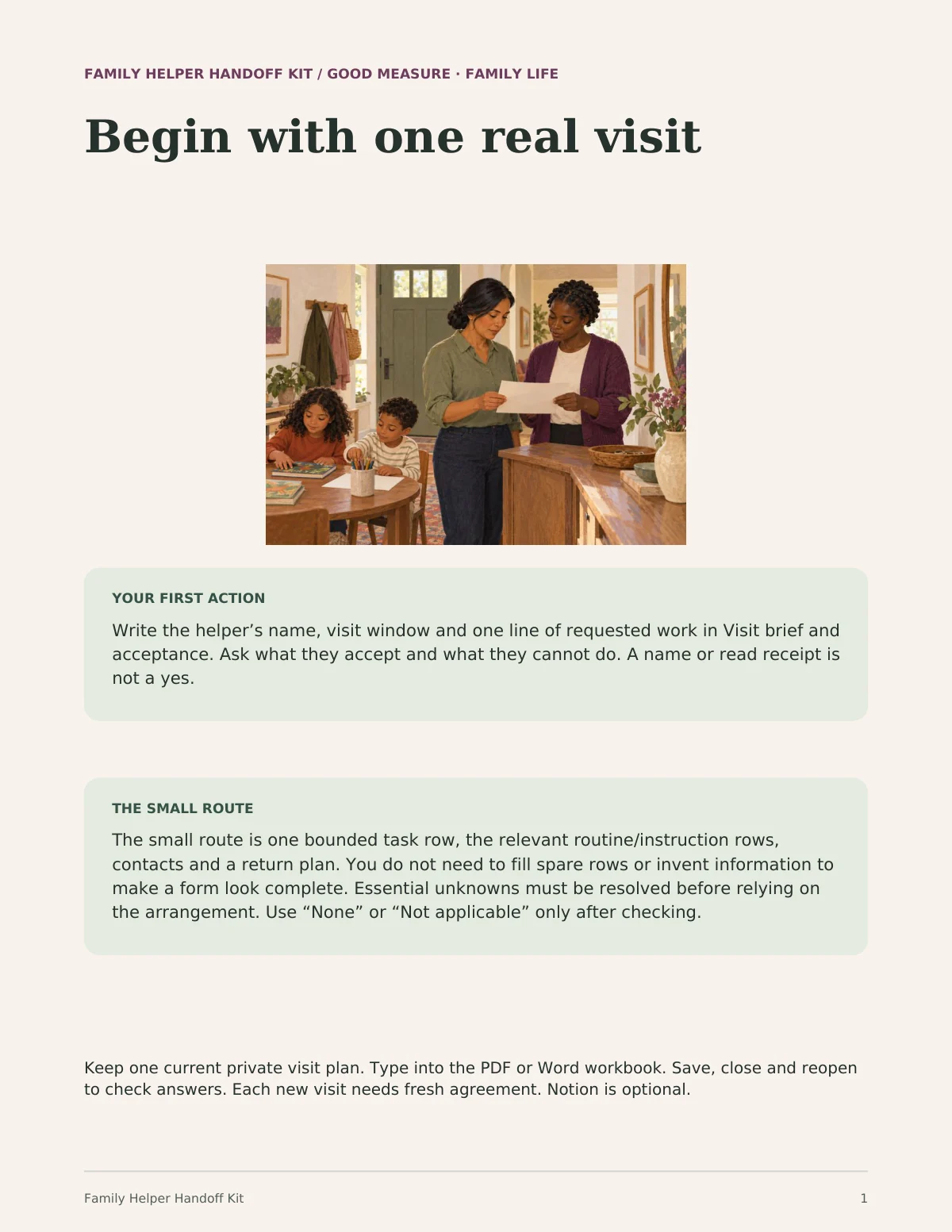
Start Here page titled Begin with one real visit, with an illustration of a parent and helper reading a sheet while two children draw, a first-action panel and a small-route panel.
Start HerePDFStart Here page 1 of 3: your first action and the small route.
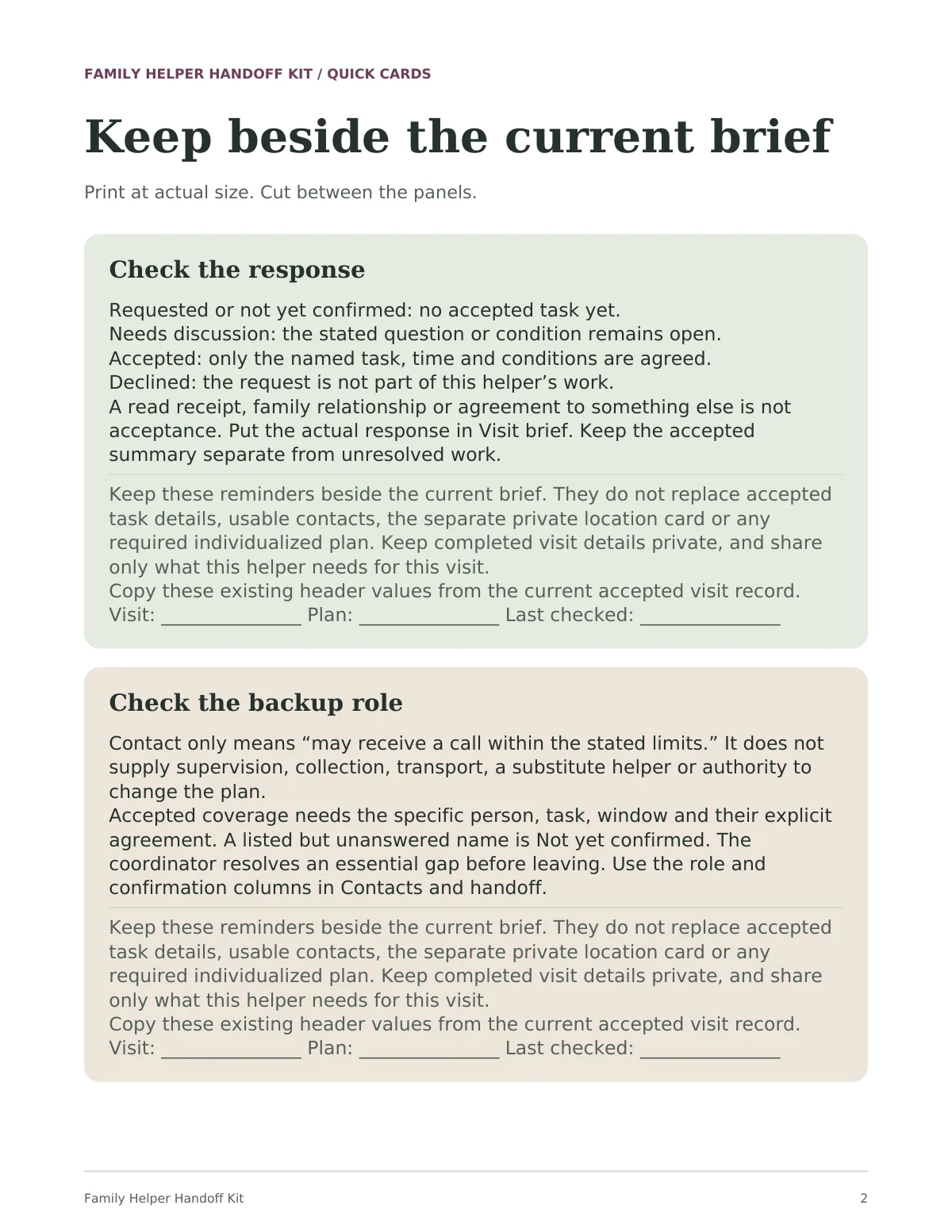
Quick cards page with two cut-out panels, Check the response and Check the backup role, each with lines to copy the visit, plan and last-checked date.
Quick cardsPDFQuick cards page 2 of 5. Print at actual size and keep beside the current brief.
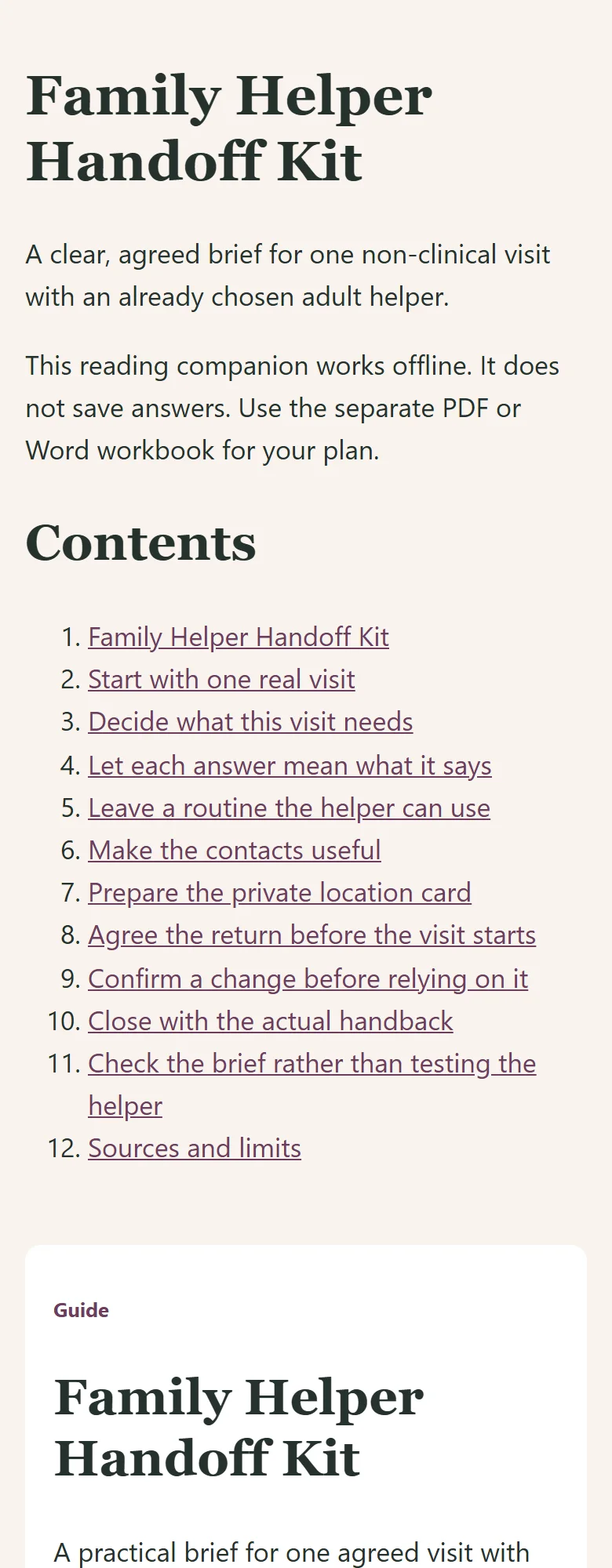
The offline reading file for the Family Helper Handoff Kit shown at a narrow phone width.
Offline reading companionHTMLThe actual offline HTML file at a narrow browser width. It is for reading; it does not save answers.

Family Helper Handoff Kit · Kit preview

Actual Notion home page of Family Helper Handoff Kit: the title, the Start Here callout and the first illustrated cards

Open full-size image in a new tab

One kit. Your way to use it.

Start with one useful task, then choose the format that fits. You don’t need to use every tool.

These formats exist in the current review edition. Customer delivery and release checks are still in progress.

  • Notion companion

    A private copy of the same four visit tools, with fictional examples to open as you go, in your own Notion account.

    Template to duplicate
  • Illustrated guide

    Four steps for one agreed visit, with fictional examples, scripts and honest limits.

    19-page PDF
  • Reusable visit workbook

    Visit brief, routine, contacts and handoff, changes and handback, and a five-question check. Type or print; start fresh for each visit.

    29-page fillable PDF · 183 fields
  • Editable workbook

    The same tools, editable in Word.

    Word document
  • Fictional worked example

    One complete fictional visit and two other situations. These are not customer results.

    33-page PDF
  • Quick cards

    Short reminders to keep beside the current brief.

    5-page PDF
  • Reading companion

    Read the guide and example in your browser, including on a phone. It does not save answers.

    Offline HTML
  • Start Here handout

    Your file map, your first action and the limits of the kit.

    4-page PDF + text instructions

Four steps for one visit.

  1. 01. Agree the workBefore the visit. What are you asking, and what did the helper accept?
  2. 02. Leave a usable routineBefore the visit. Which routines, places and limits matter today?
  3. 03. Make contacts and return workBefore you leave. Who can the helper reach, and who takes over at the end?
  4. 04. Confirm changes and handbackDuring the visit and at the end. What changed, who agreed, and who has taken over?

Nothing here has a set time. Use only the rows the visit needs.

Before you begin.

Who is this guide for?

Households relying on grandparents, babysitters or multiple helpers.

Can I buy this guide yet?

This edition is available to preview while review and delivery checks are completed. Purchases are not open yet; the proposed price may change before release.

What is outside its scope?

Caregivers should follow the parents' approved instructions. Store completed sheets securely and share only the details needed for care.

Which formats can I use?

Use the fillable PDF in a compatible reader, print it, or use the editable Word files. Save, close and reopen a copy to check your answers. The offline HTML companion is for reading and does not save answers. Notion is optional and requires your own account; its customer-copy route is still being checked. Keep your working copy private and check sharing before adding information. Follow the kit's specific consent and privacy instructions.

A place to start, and start again.

Family Helper Handoff Kit · Complete Kit

Explore the family guides

Explore another useful starting point.

See the collection