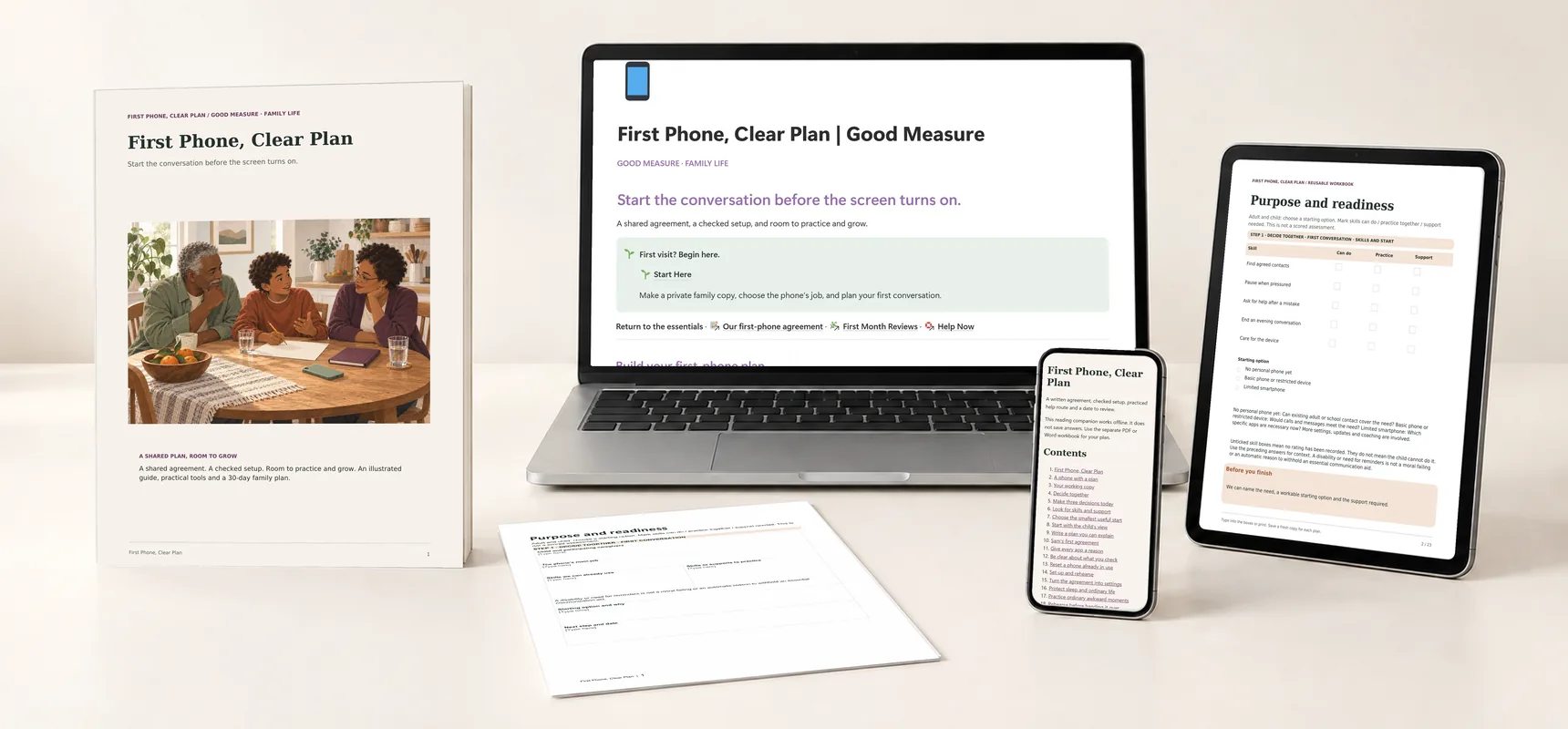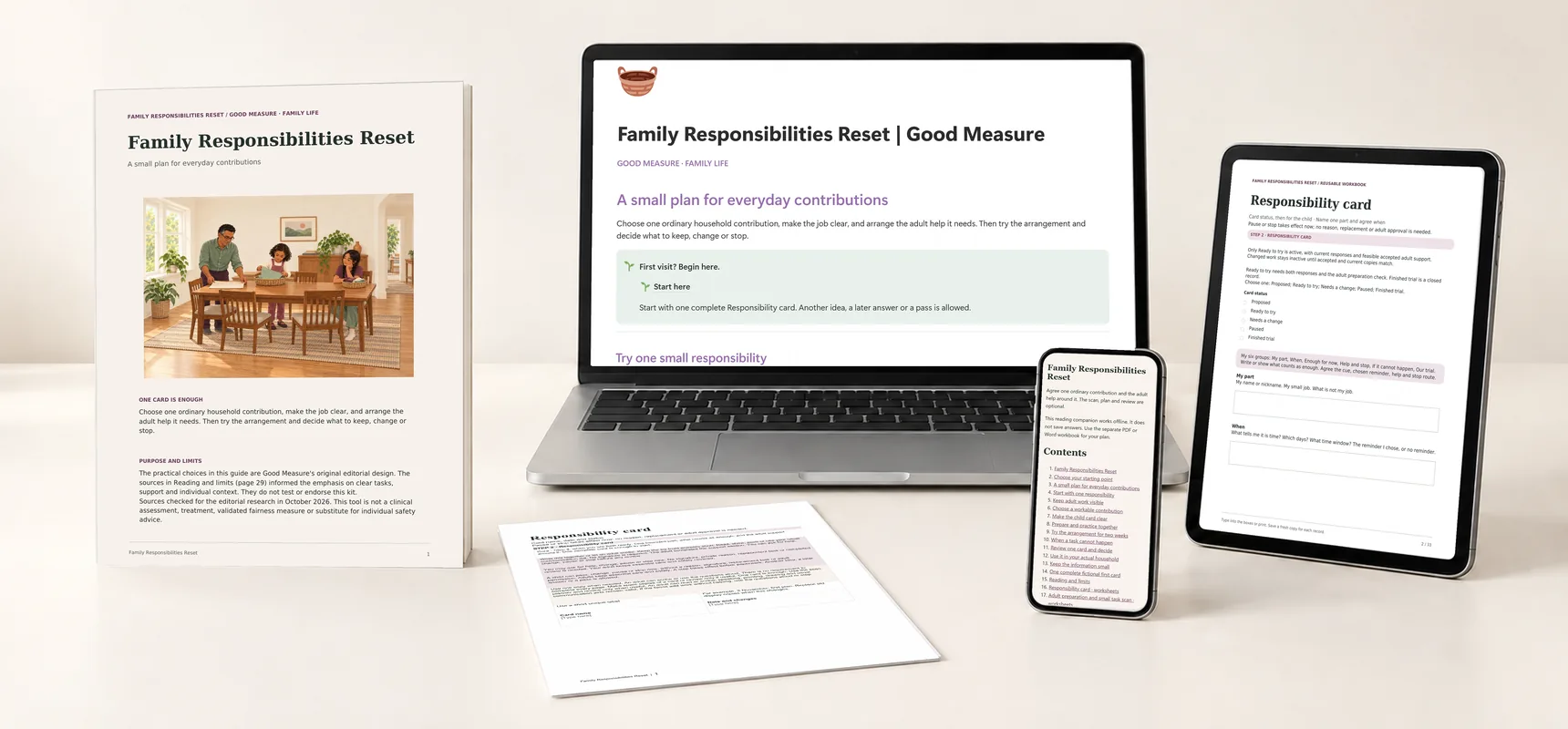
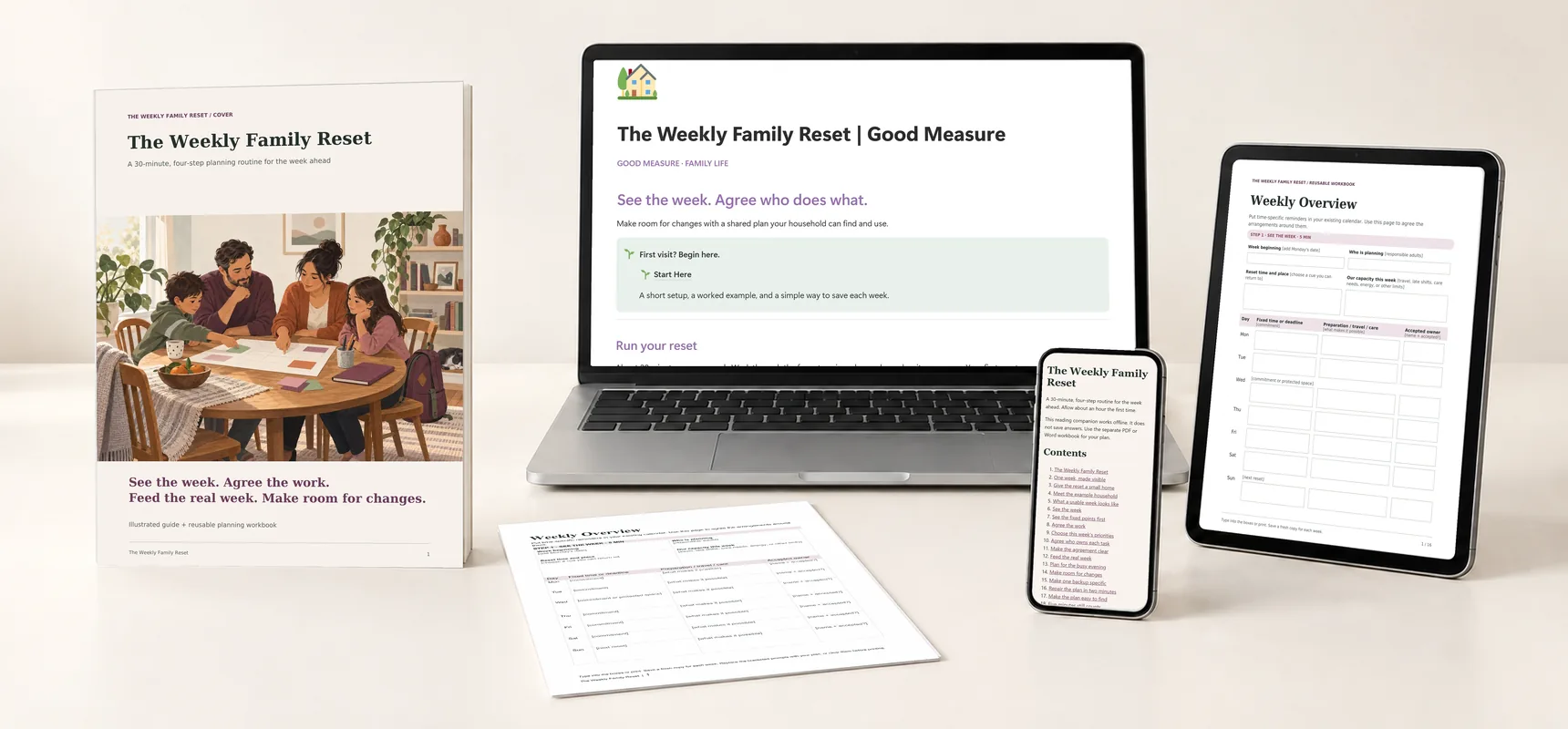
Explore the guides before launch. Purchases are not open yet.
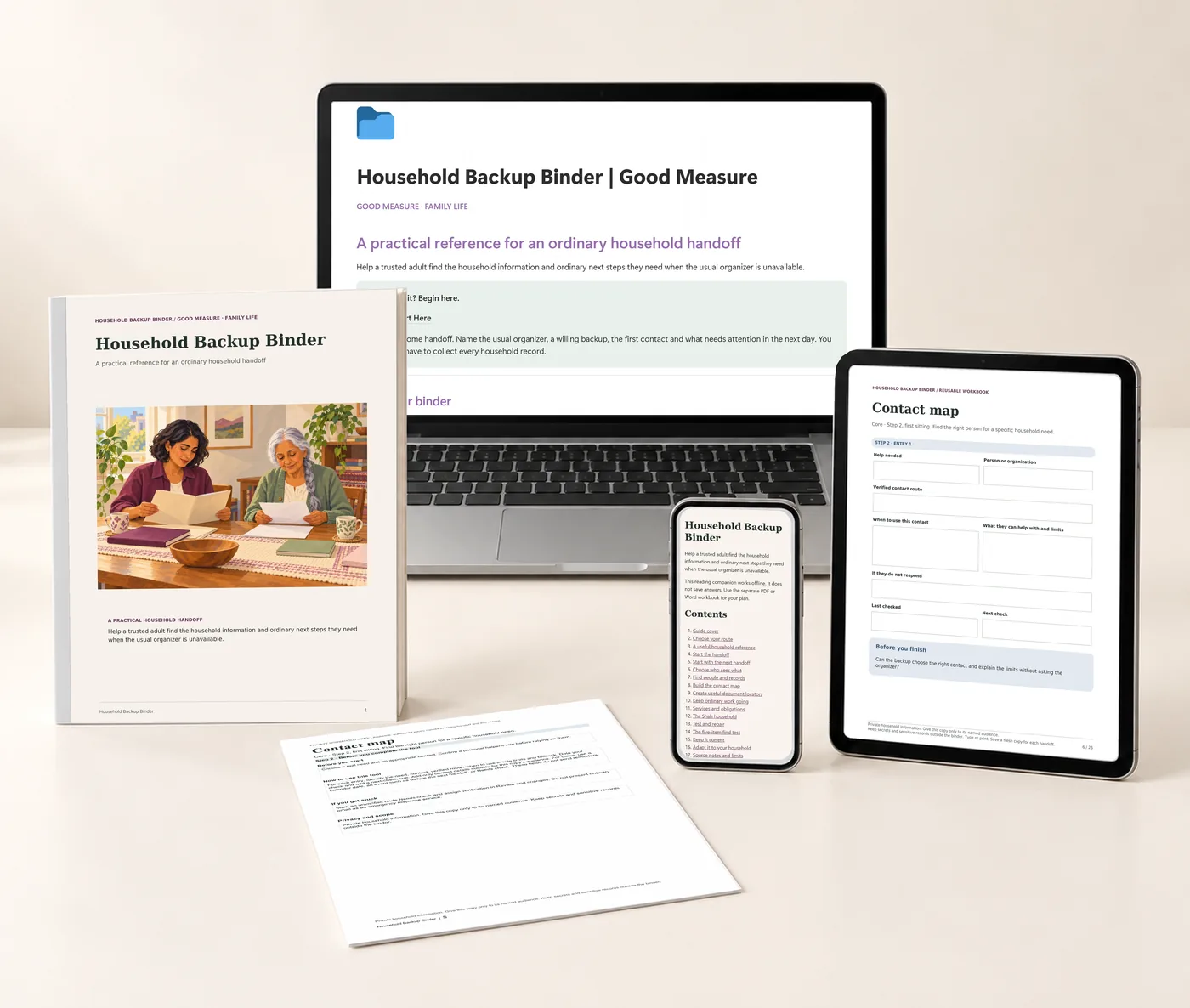
Household Backup Binder: printed guide and worksheet, the Notion companion on a laptop, planning tools on a tablet and the offline reader on a phone.
A whole kit to find your own way.Real pages, tools and companion previews · Digital files only
Explore each part of the kit

Household Backup Binder

Make the household essentials easier to find.

$24 Proposed price · USD

Contact map, document-location index, service schedule, recurring-obligation checklist and update dates.

  • Notion companion · Notion
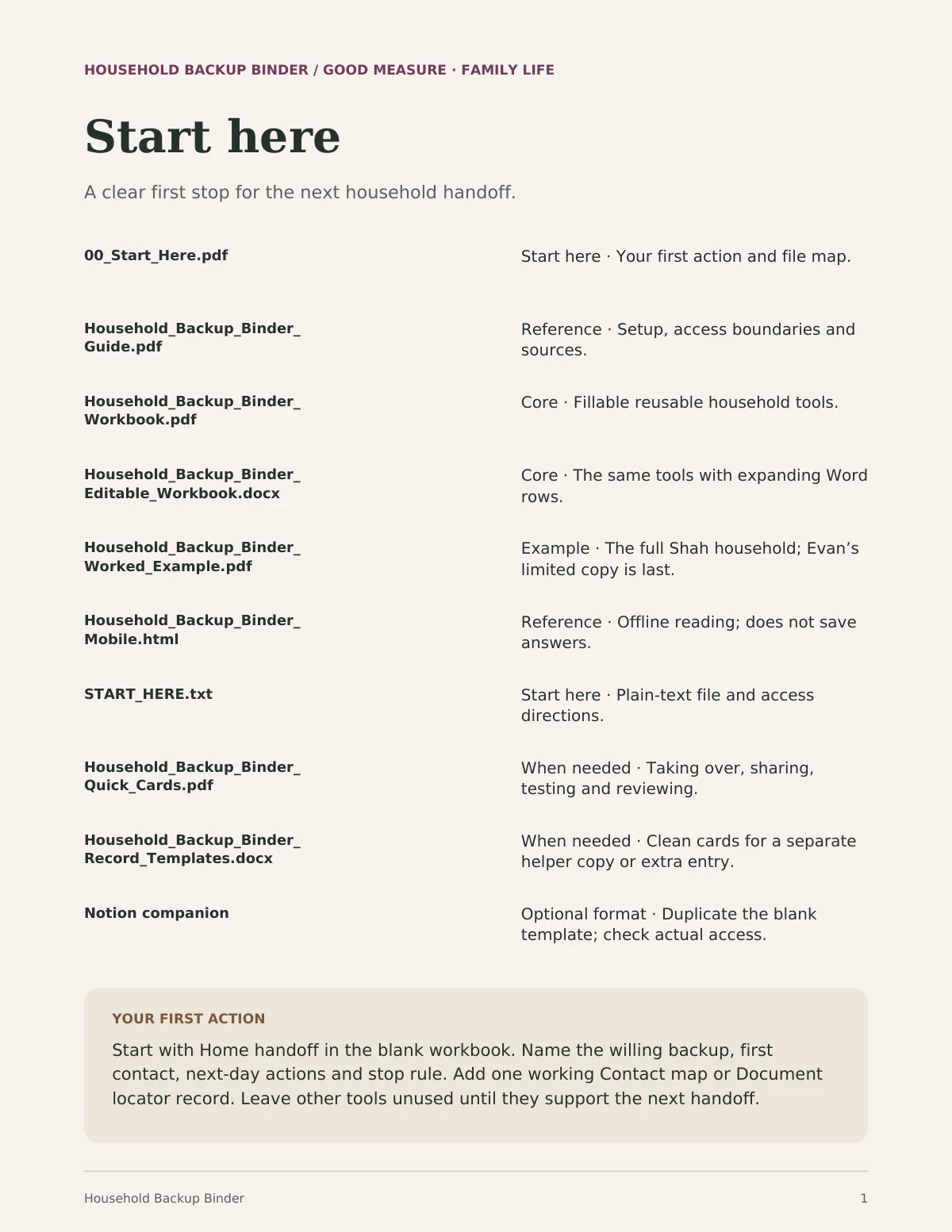
  • Start here · 4-page PDF + text instructions
  • Illustrated guide · PDF · 42 pages
  • Reusable planning tools · Fillable PDF · 26 pages · 149 fields
  • Editable tools · Word · .docx · 26 pages
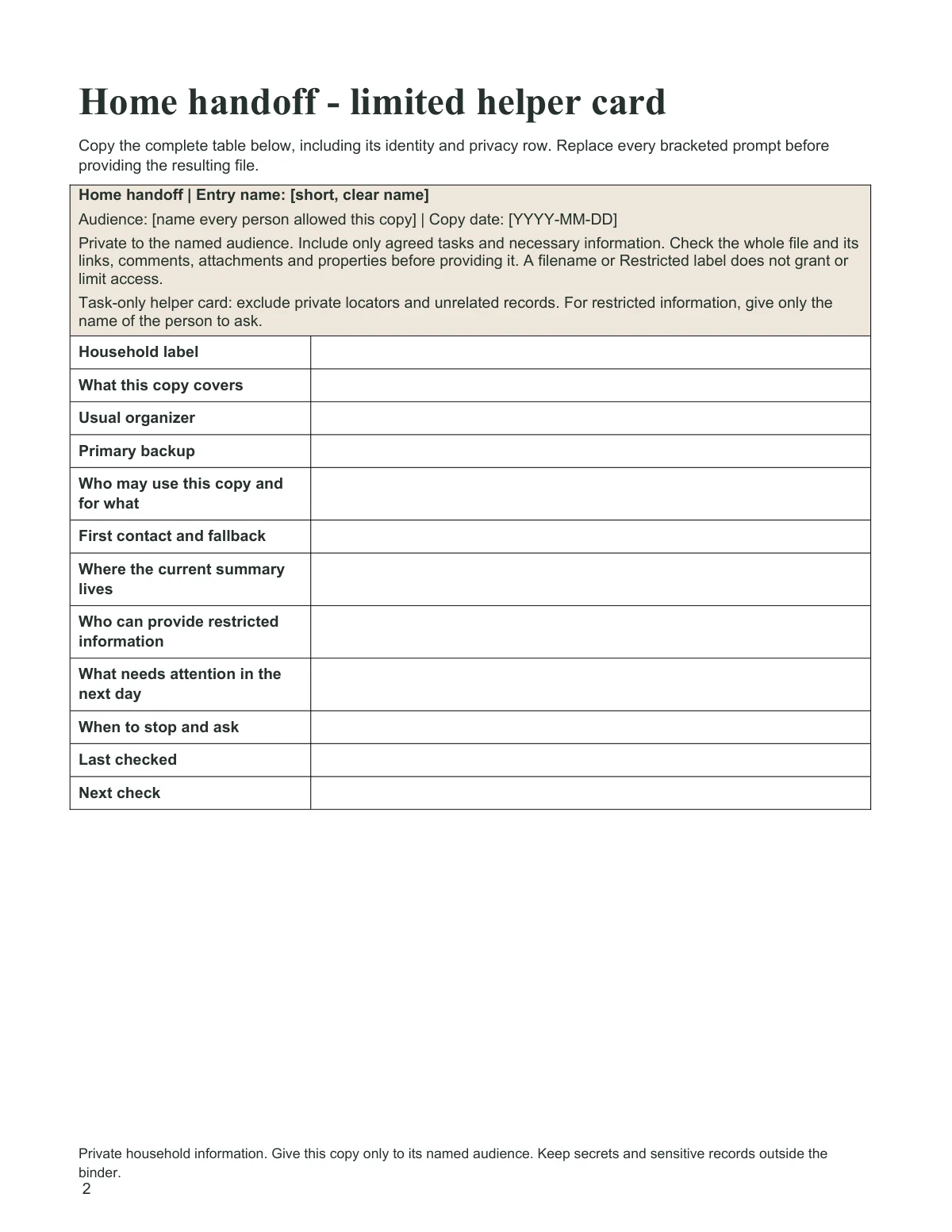
  • Record templates · Word · .docx · 7 pages
  • Fictional worked example · PDF · 43 pages
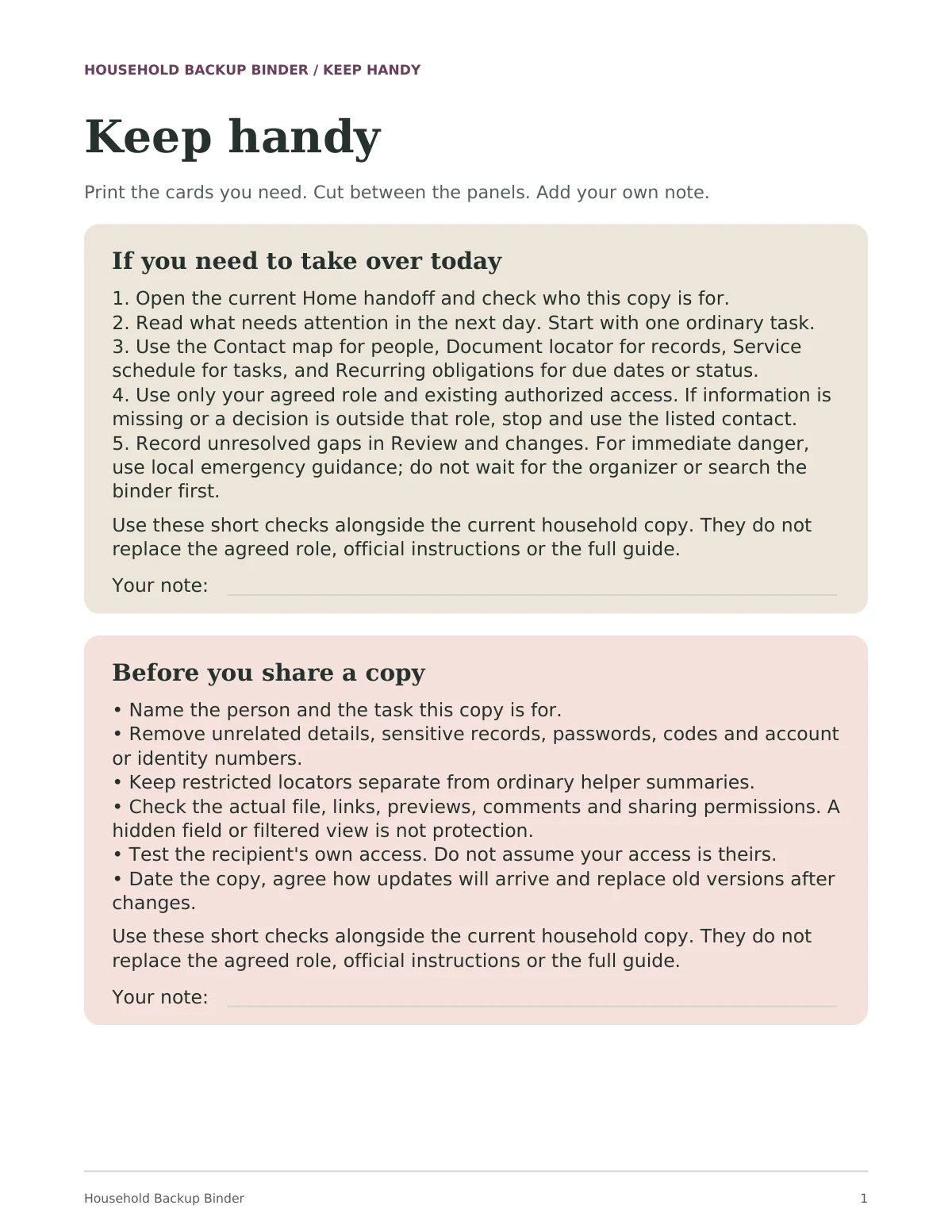
  • Quick reference · PDF · 2 pages
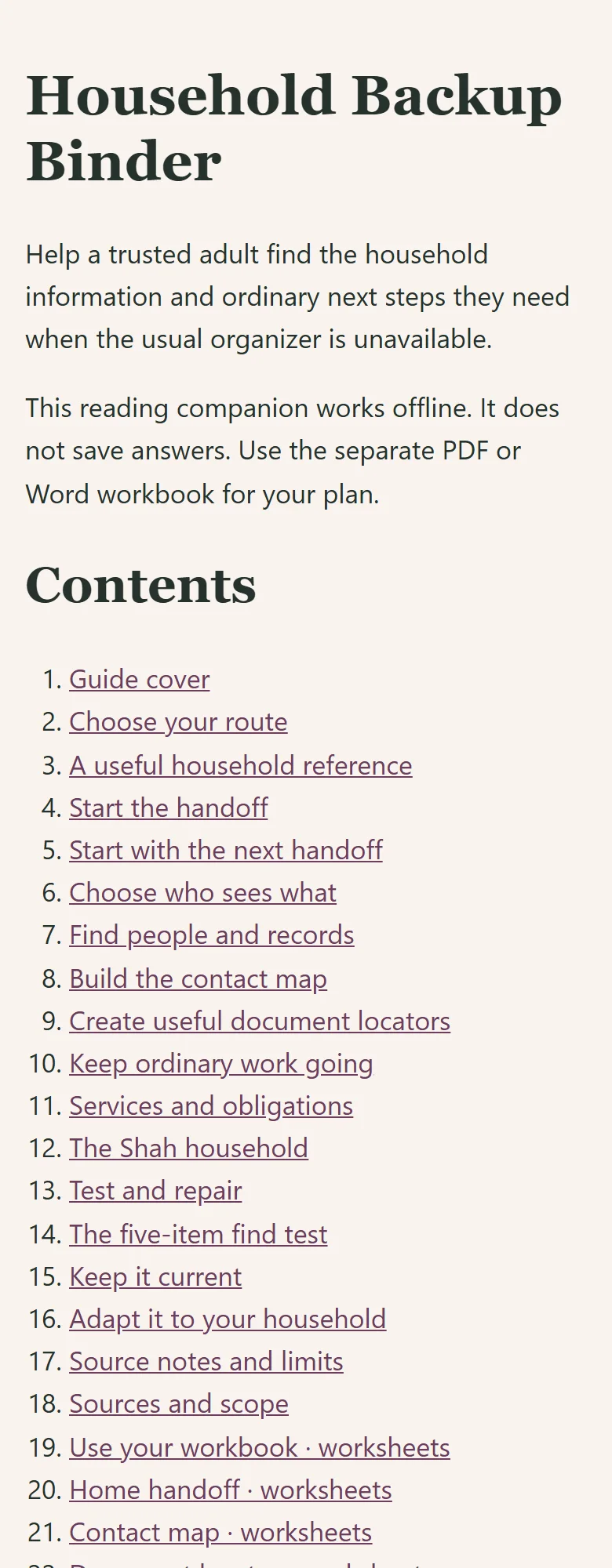
  • Offline reading companion · HTML

The kit is ready to explore. Purchases open after final checkout and delivery setup.

For the days someone else keeps the house running.

Families organizing important household information.

A useful time to begin: a partner travels or wants a backup plan.

Start with Home handoff: name the willing backup, the first contact, what needs attention in the next day and when to stop. Add one working contact or locator, and leave the other tools until the next handoff needs them. Give each helper only what their agreed task requires.

Keep passwords in secure storage. This guide does not create legal estate documents or replace official forms.

One private place for the handoff.

The Notion companion holds the same seven tools in a workspace you duplicate and keep.

Start at the illustrated home: Start the handoff, Find people and records, the optional Keep ordinary work going, and Test and repair. Short routes cover taking over today, one helper with one task, and fixing a gap.
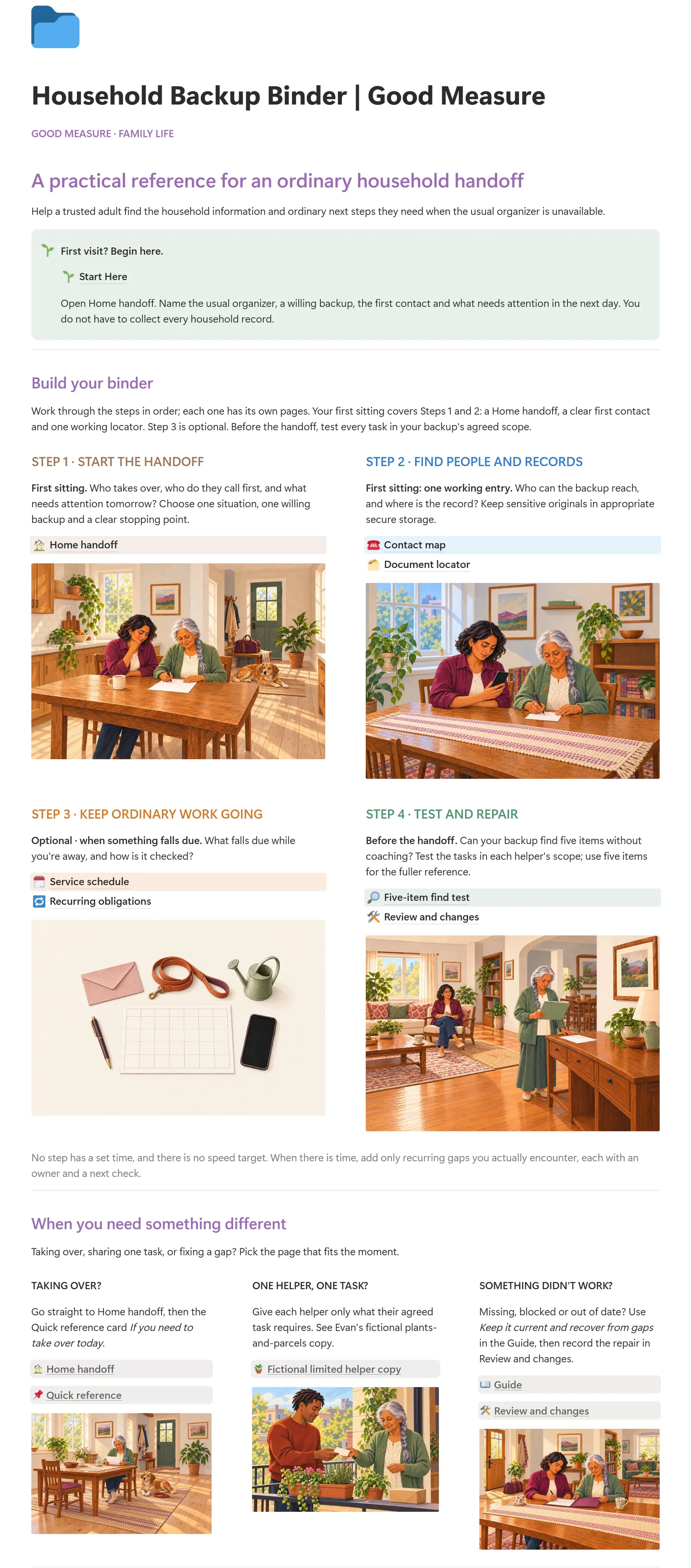
Actual Notion home page of Household Backup Binder: the title, the Start Here callout and the first illustrated cardsEnlarge the dashboard
The actual Notion companion · Four steps, one of them optional
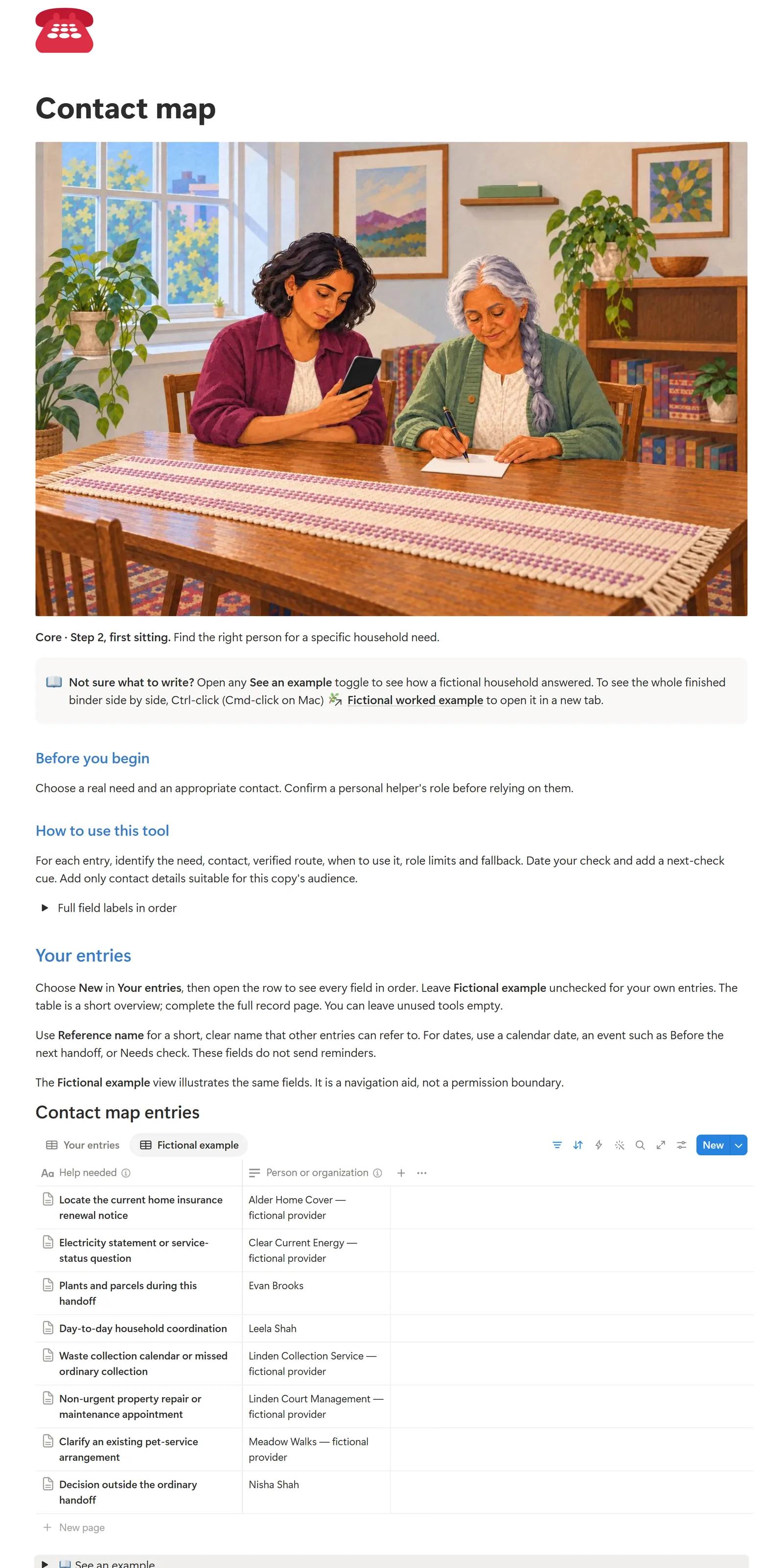
Actual Notion Contact map page in its Fictional example view with fictional examplesEnlarge the contact map
Contact map in the actual Notion companion. The Fictional example view shows the fictional Shah household's entries, kept apart from Your entries; help needed and person or organization columns shown.

People and records

Contact map and Document locator are real databases with Your entries and Fictional example views. Each row opens to the full record, with last-checked and next-check fields.

Ordinary work, if needed

Service schedule and Recurring obligations are an optional Step 3, for what falls due while you are away and how it is checked.

Test, then repair

Five-item find test checks whether your backup can find five items without coaching. Review and changes records who fixes each gap. Evan's fictional limited helper copy shows a one-task version.

Included with the complete kit, not a separate purchase. Requires your own Notion account; PDF and Word work without it. Your duplicate is your own copy. It does not send reminders, contact helpers, check provider status or sync another calendar.

Also in your kit.

Real pages from each included file, alongside the Notion companion. Open a preview to see the detail.
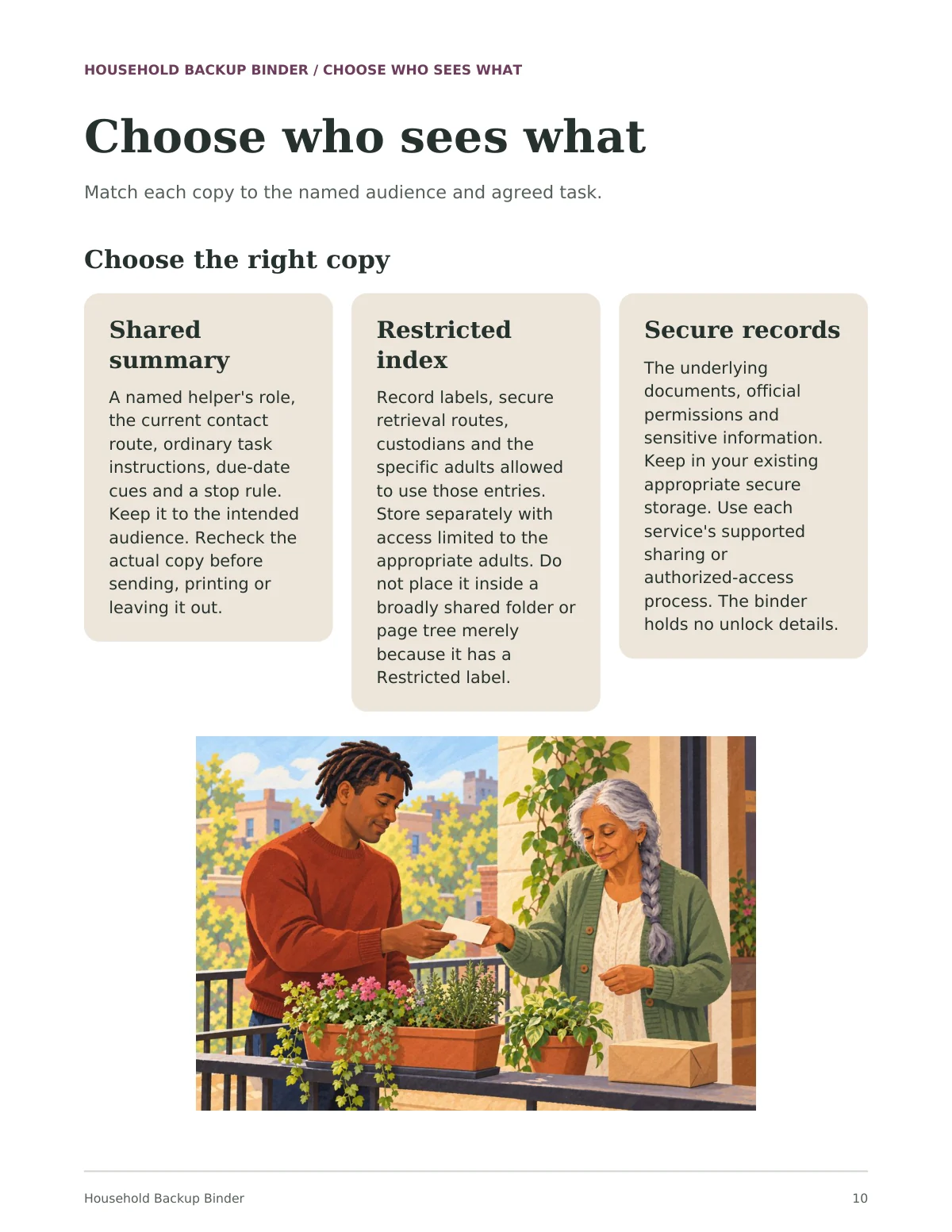
Guide page 'Choose who sees what': three panels explaining a shared summary, a restricted index and secure records, above an illustration of a neighbour taking a small note from an older woman beside balcony planters and a parcel
Illustrated guidePDFGuide page 10. Match each copy to the named audience and agreed task.
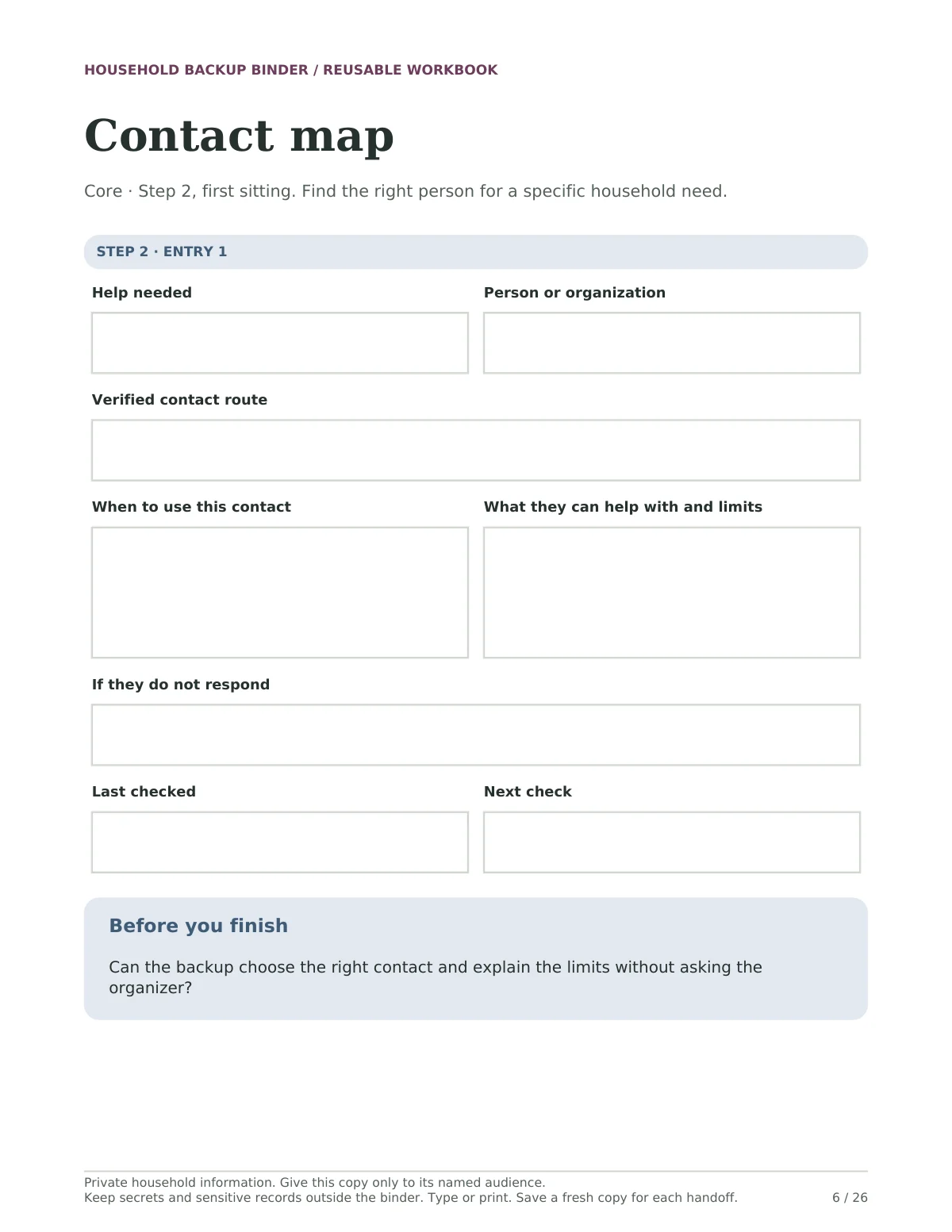
Fillable 'Contact map' worksheet with boxes for help needed, person or organization, verified contact route, when to use this contact, what they can help with and limits, if they do not respond, last checked and next check
Reusable planning toolsFillable PDFWorkbook page 6 of 26. Type into the boxes in a form-capable PDF reader, or print a copy.
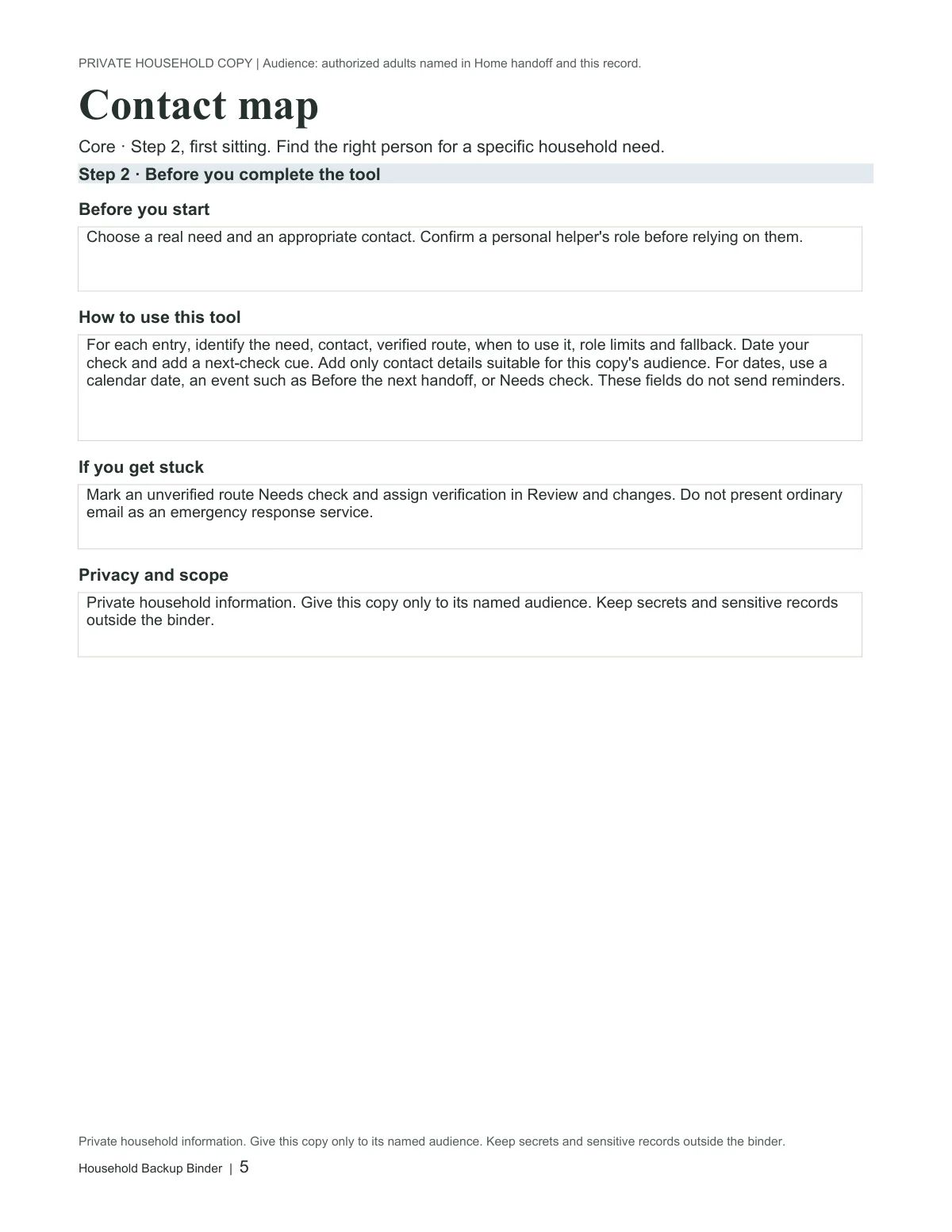
The 'Contact map' worksheet in the editable Word workbook, with the same labelled rows as the PDF
Editable toolsWord · .docxRendered from the actual editable Word file. Word rows expand for longer answers; fonts and pagination may vary by editor.
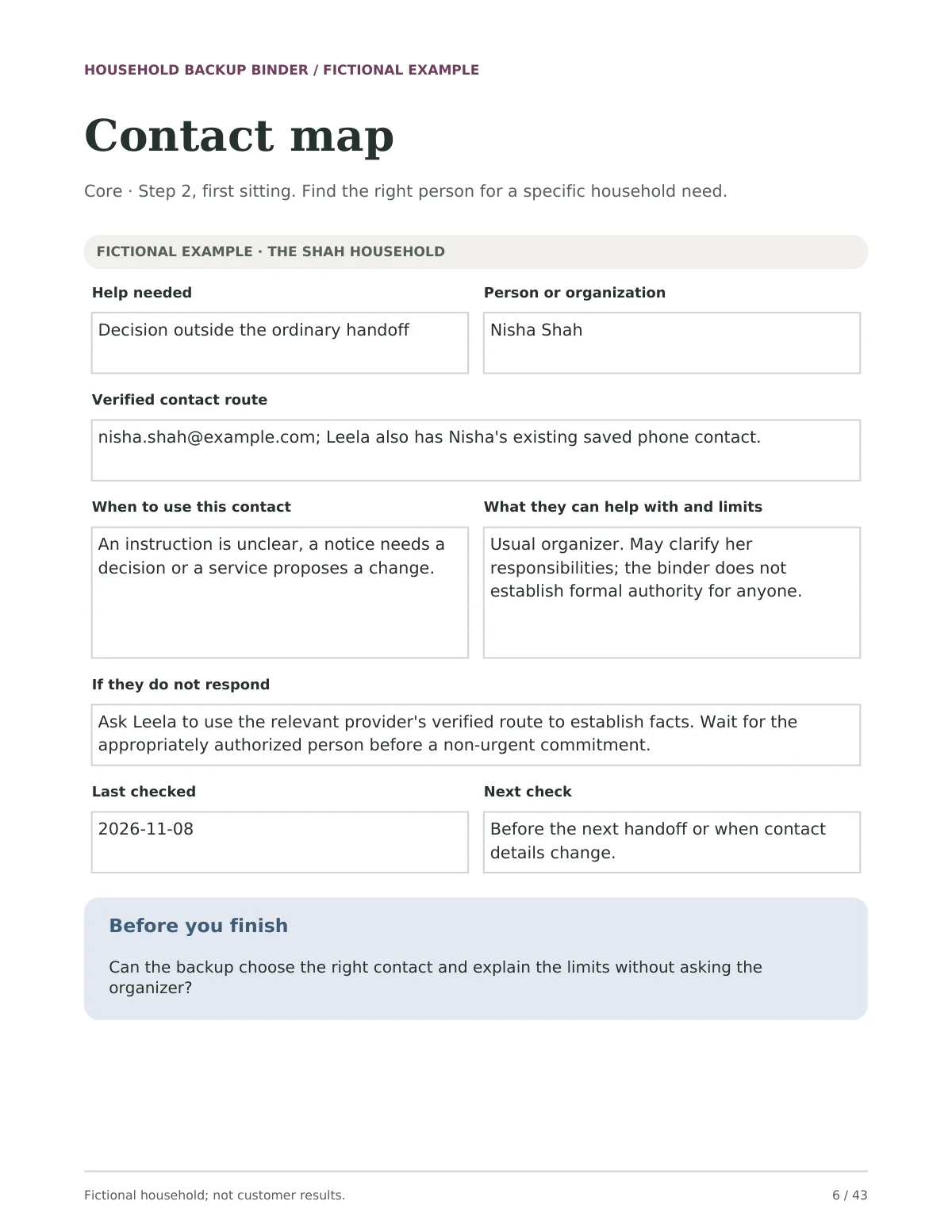
The 'Contact map' worksheet filled in for the fictional Shah household: Nisha Shah for decisions outside the ordinary handoff, with Leela as the fallback route and check dates in November 2026
Fictional worked examplePDFWorked example page 6 of 43. Nisha, Leela and Evan are a fictional household, not customer results.
Start Here page 1: a list of every file in the kit with its role, and a Your first action panel: start with Home handoff, then add one working Contact map or Document locator record
Start herePDFStart Here page 1. A file map and one first action.
Quick reference page with two cards: 'If you need to take over today', five numbered steps, and 'Before you share a copy', in a pink panel
Quick referencePDFQuick cards page 1 of 2. Four short checks for taking over, sharing, testing and reviewing.
The 'Home handoff - limited helper card' in the Record Templates Word file: copying instructions above a clean card table with identity, audience and privacy rows
Record templatesWord · .docxRendered from the actual Record Templates Word file. Clean cards for a separate helper copy or an extra entry.
The offline HTML reader for the Household Backup Binder at a narrow phone width
Offline reading companionHTMLThe actual offline HTML file at a narrow browser width. This companion is for reading; it does not save answers.

Household Backup Binder · Kit preview

Actual Notion home page of Household Backup Binder: the title, the Start Here callout and the first illustrated cards

Open full-size image in a new tab

One kit. Your way to use it.

Start with one useful task, then choose the format that fits. You don’t need to use every tool.

These formats exist in the current review edition. Customer delivery and release checks are still in progress.

  • Notion companion

    The seven tools as linked pages and databases, with separate fictional example views. Your own Notion account is required.

    Notion
  • Start here

    A file map, one first action, and how to keep helper copies separate.

    4-page PDF + text instructions
  • Illustrated guide

    Setup in stages, who sees what, contacts and document locators, services and obligations, the five-item find test, and keeping it current.

    PDF · 42 pages
  • Reusable planning tools

    Seven blank tools, from Home handoff to Review and changes. Complete only what the next handoff needs.

    Fillable PDF · 26 pages · 149 fields
  • Editable tools

    The same seven tools. Word rows expand for longer answers.

    Word · .docx · 26 pages
  • Record templates

    Clean cards for a separate limited helper copy, or one extra contact, locator, service, obligation or change record.

    Word · .docx · 7 pages
  • Fictional worked example

    The Shah household's completed records, a failed locator and its repair, with Evan's limited helper copy last. These are not customer results.

    PDF · 43 pages
  • Quick reference

    Four short checks for taking over, sharing, testing and reviewing.

    PDF · 2 pages
  • Offline reading companion

    A reading format for the guide and examples. It does not save typed answers.

    HTML

Four steps, one of them optional.

  1. 01. Start the handoffWho takes over, who they call first, and what needs attention tomorrow
  2. 02. Find people and recordsWho the backup can reach, and where the record is
  3. 03. Keep ordinary work goingOptional: what falls due while you're away, and how it is checked
  4. 04. Test and repairCan your backup find five items without coaching?

No step has a set time, and there is no speed target. Your first sitting covers Steps 1 and 2.

Before you begin.

Who is this guide for?

Families organizing important household information.

Can I buy this guide yet?

This edition is available to preview while review and delivery checks are completed. Purchases are not open yet; the proposed price may change before release.

What is outside its scope?

Keep passwords in secure storage. This guide does not create legal estate documents or replace official forms.

Which formats can I use?

Use the fillable PDF in a compatible reader, print it, or use the editable Word files. Save, close and reopen a copy to check your answers. The offline HTML companion is for reading and does not save answers. Notion is optional and requires your own account; its customer-copy route is still being checked. Keep your working copy private and check sharing before adding information. Follow the kit's specific consent and privacy instructions.

A place to start, and start again.

Household Backup Binder · Complete Kit

Explore the family guides

Explore another useful starting point.

See the collection