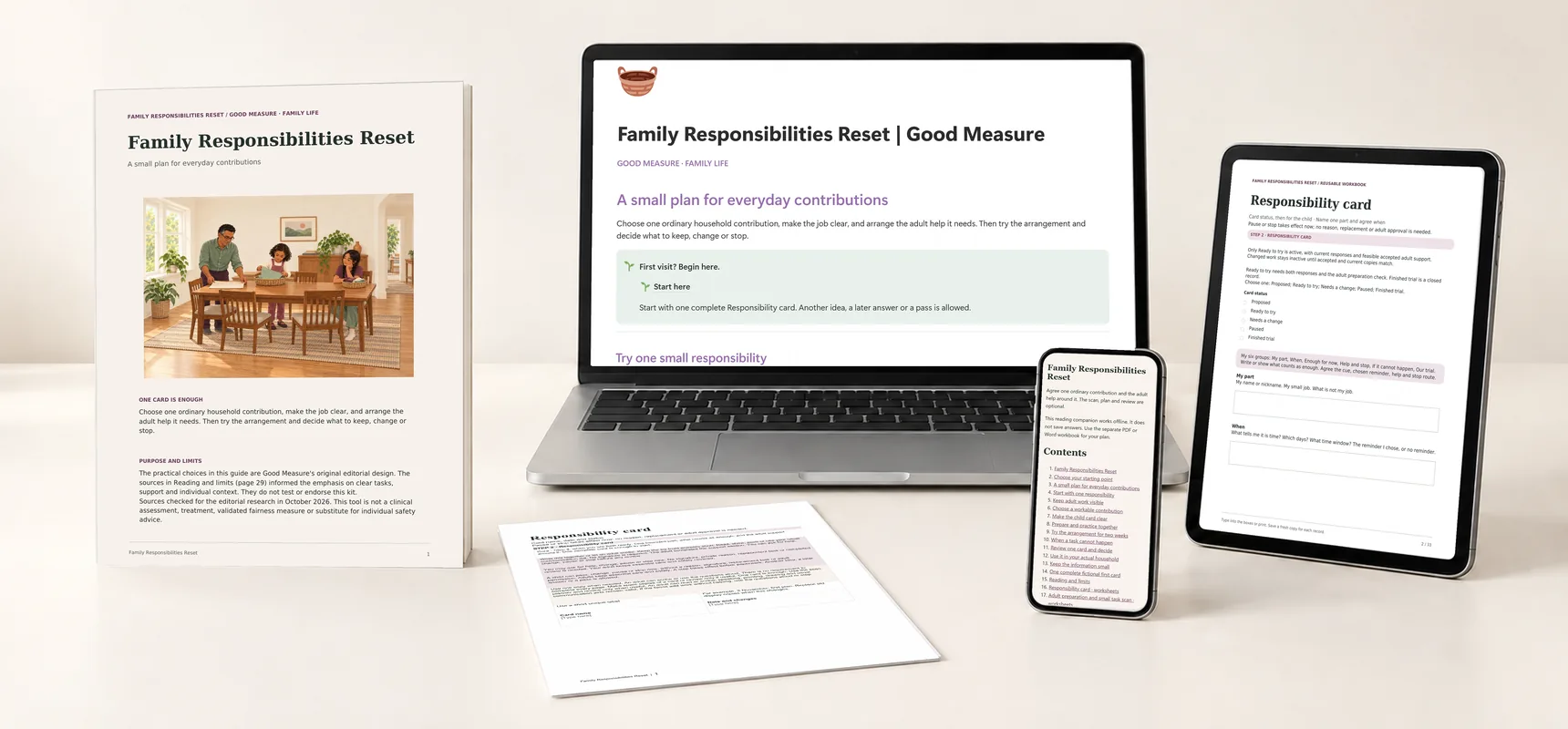
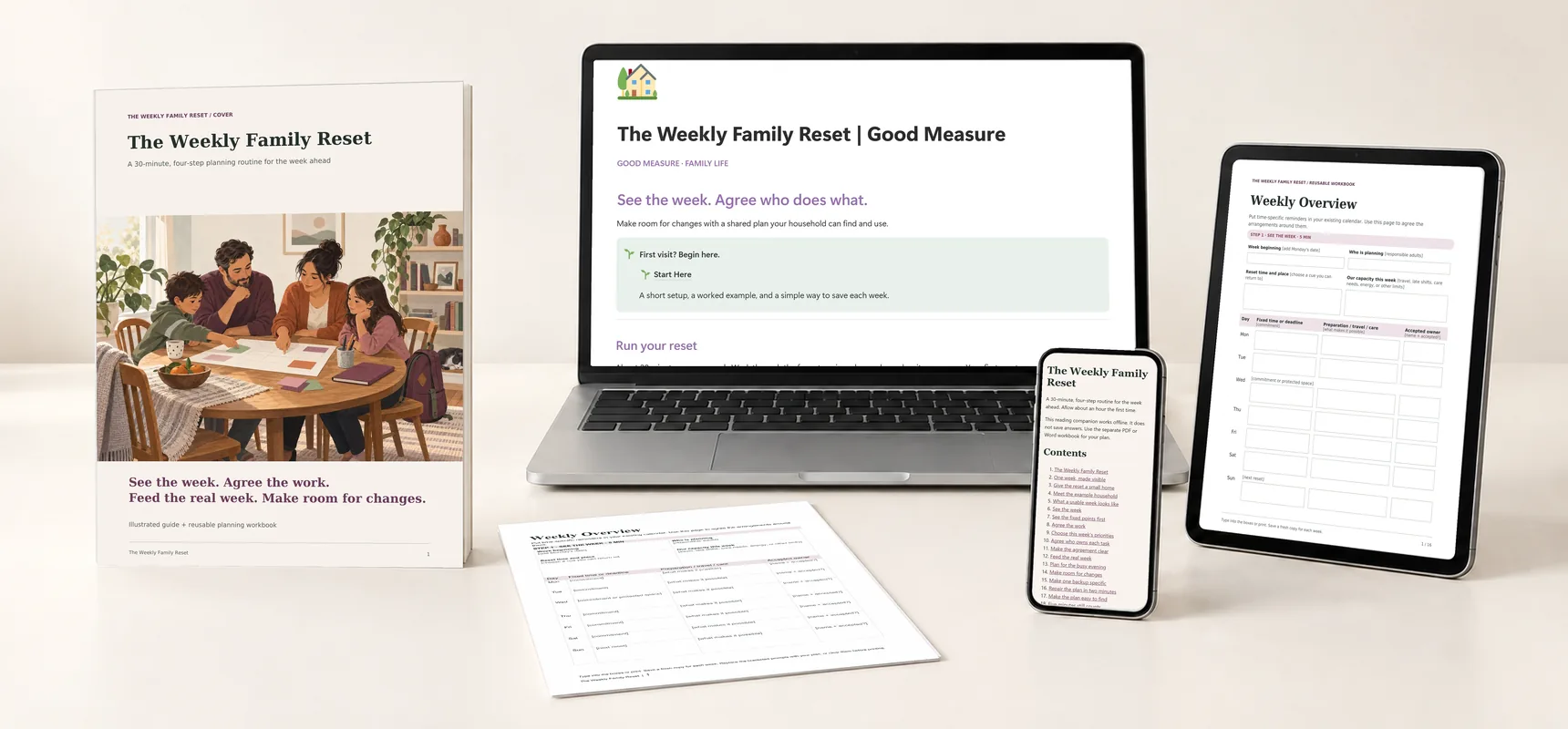
Explore the guides before launch. Purchases are not open yet.
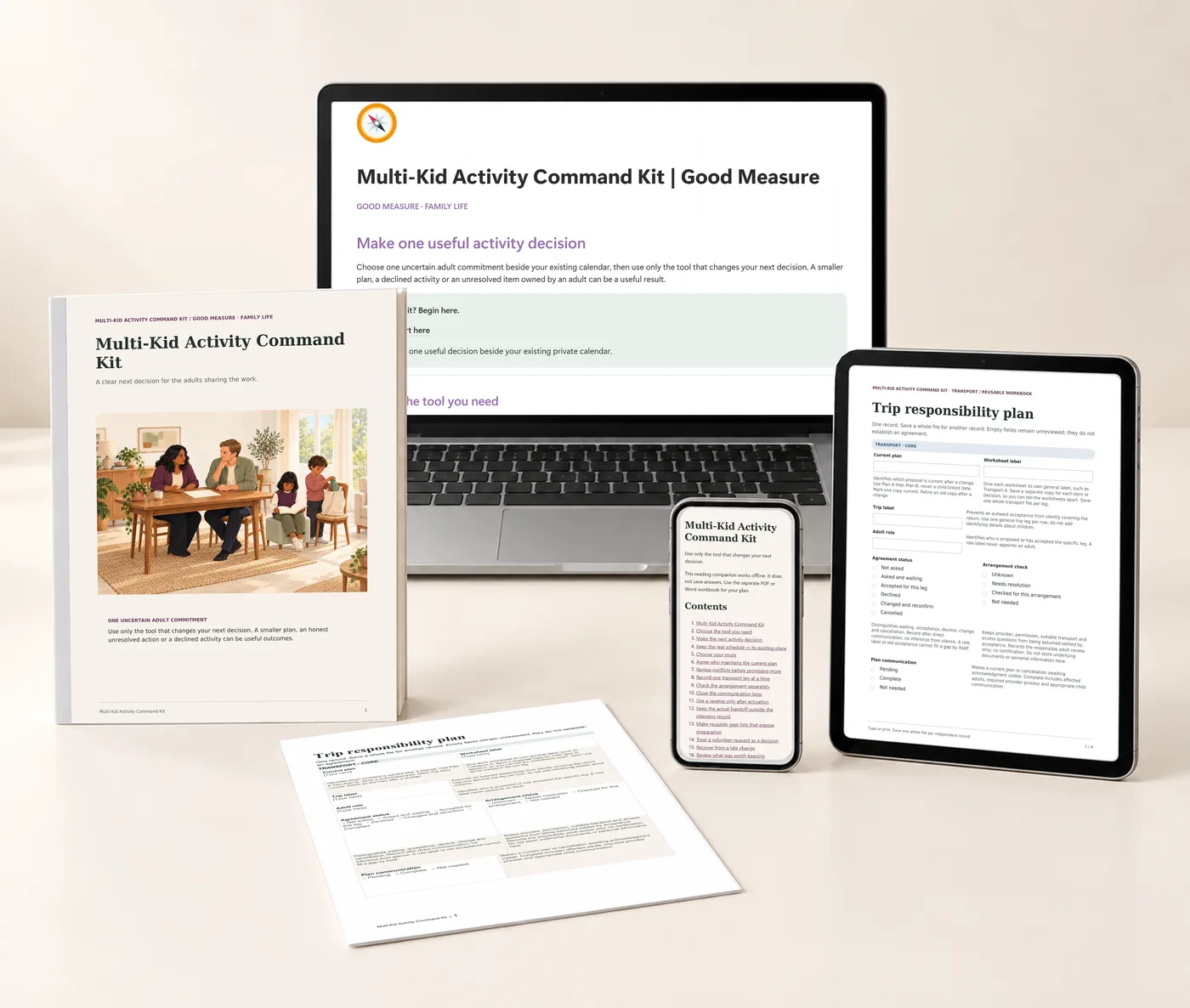
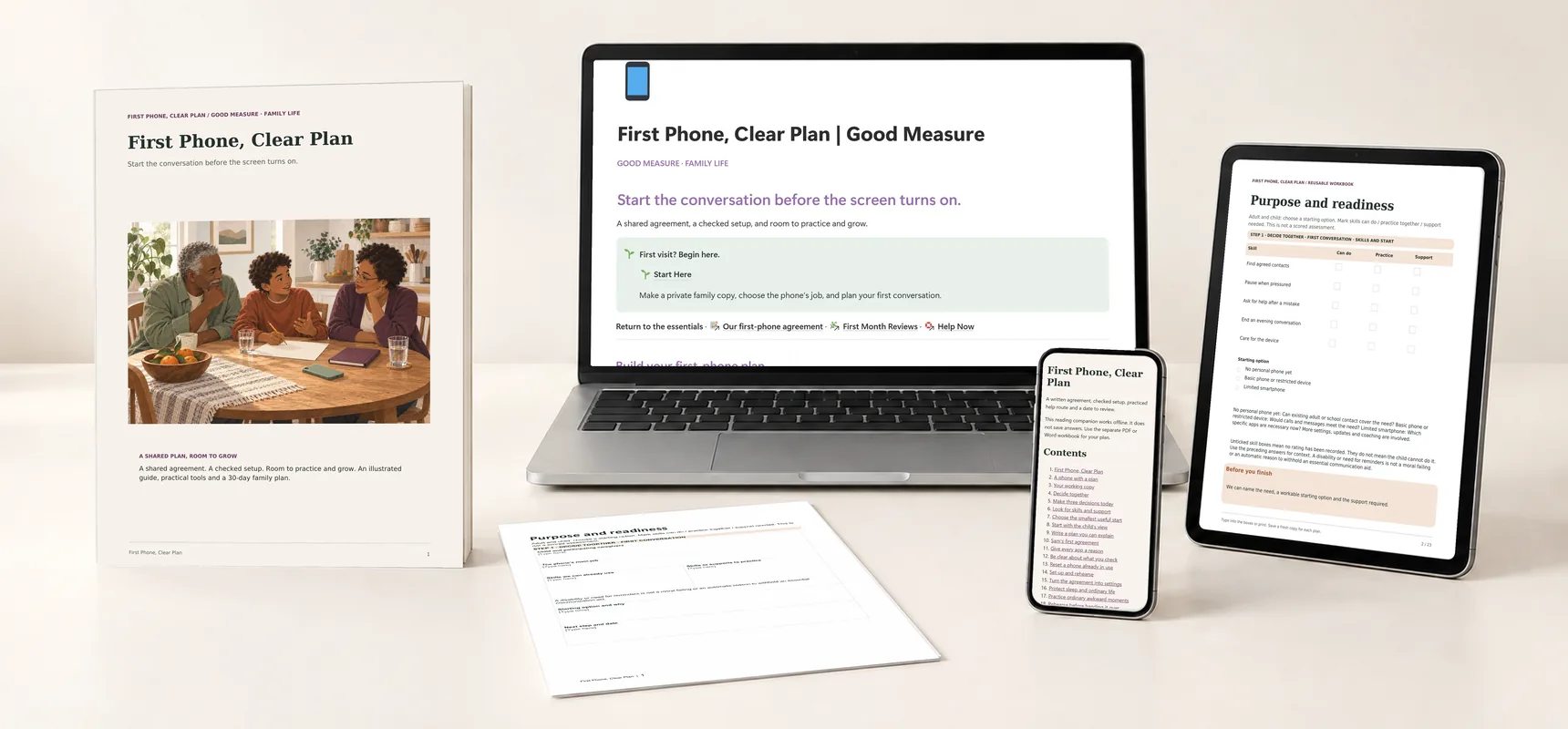
Multi-Kid Activity Command Kit: printed guide and worksheet, the Notion companion on a laptop, planning tools on a tablet and the offline reader on a phone.
A whole kit to find your own way.Real pages, tools and companion previews · Digital files only
Explore each part of the kit

Multi-Kid Activity Command Kit

Bring the rides, gear and competing plans together.

$19 Proposed price · USD

Transport matrix, reusable gear checklists, volunteer tracker and weekly conflict check.

  • Notion reference · Template to duplicate
  • Illustrated guide · 35-page PDF
  • Four reusable planning forms · Fillable PDF · 14 pages, 77 fields in all
  • Editable forms · 4 Word documents
  • Fictional worked example · 75-page PDF
  • Quick cards · 8-page PDF
  • Reading companion · Offline HTML
  • Start Here handout · 4-page PDF + text instructions

The kit is ready to explore. Purchases open after final checkout and delivery setup.

For the weeks when every child needs a ride somewhere.

Households with several children's activities.

A useful time to begin: a new sports or activity season.

An adult chooses one uncertain commitment and keeps the real schedule in the calendar they already use. Open only the form that changes the next decision. A smaller plan or declining an activity can be the useful result.

Keep children's locations and schedules private. Share completed plans only with the people who need them.

A reference shelf beside your calendar.

The Notion companion holds the four tools and the fictional examples in one place you can make your own.

Start at the illustrated home page. Choose Conflicts, Transport, Gear or Volunteering, or go straight to a card when a plan has changed.
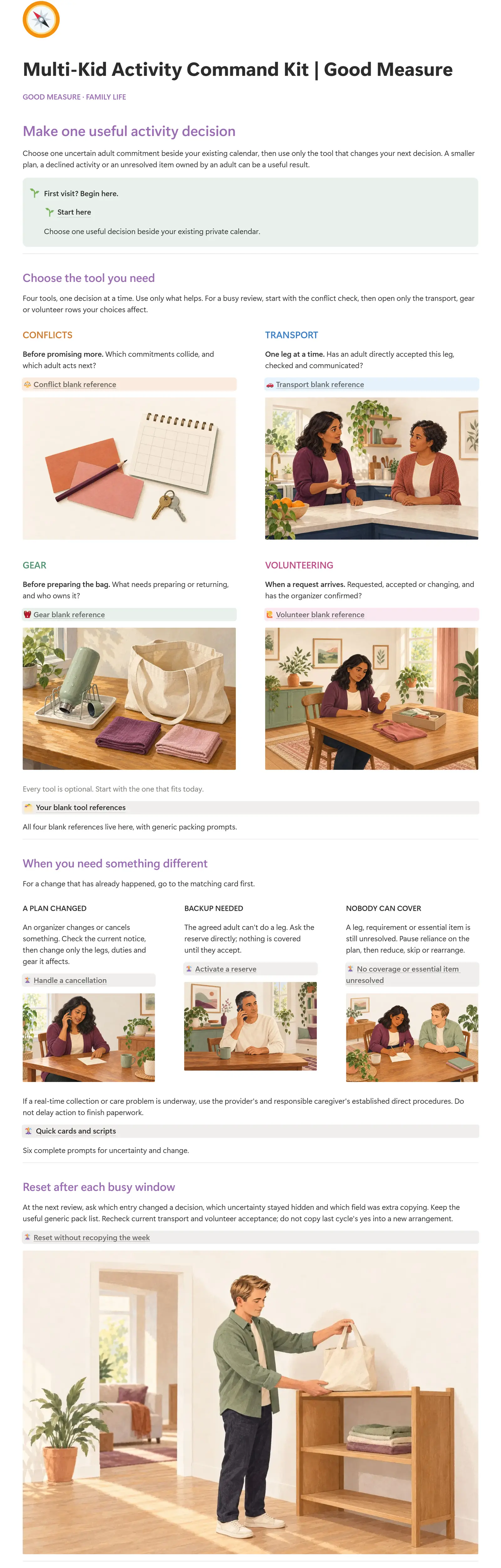
Actual Notion home page of Multi-Kid Activity Command Kit: the title, the Start Here callout and the first illustrated cardsEnlarge the dashboard
The actual Notion companion · Choose the tool you need
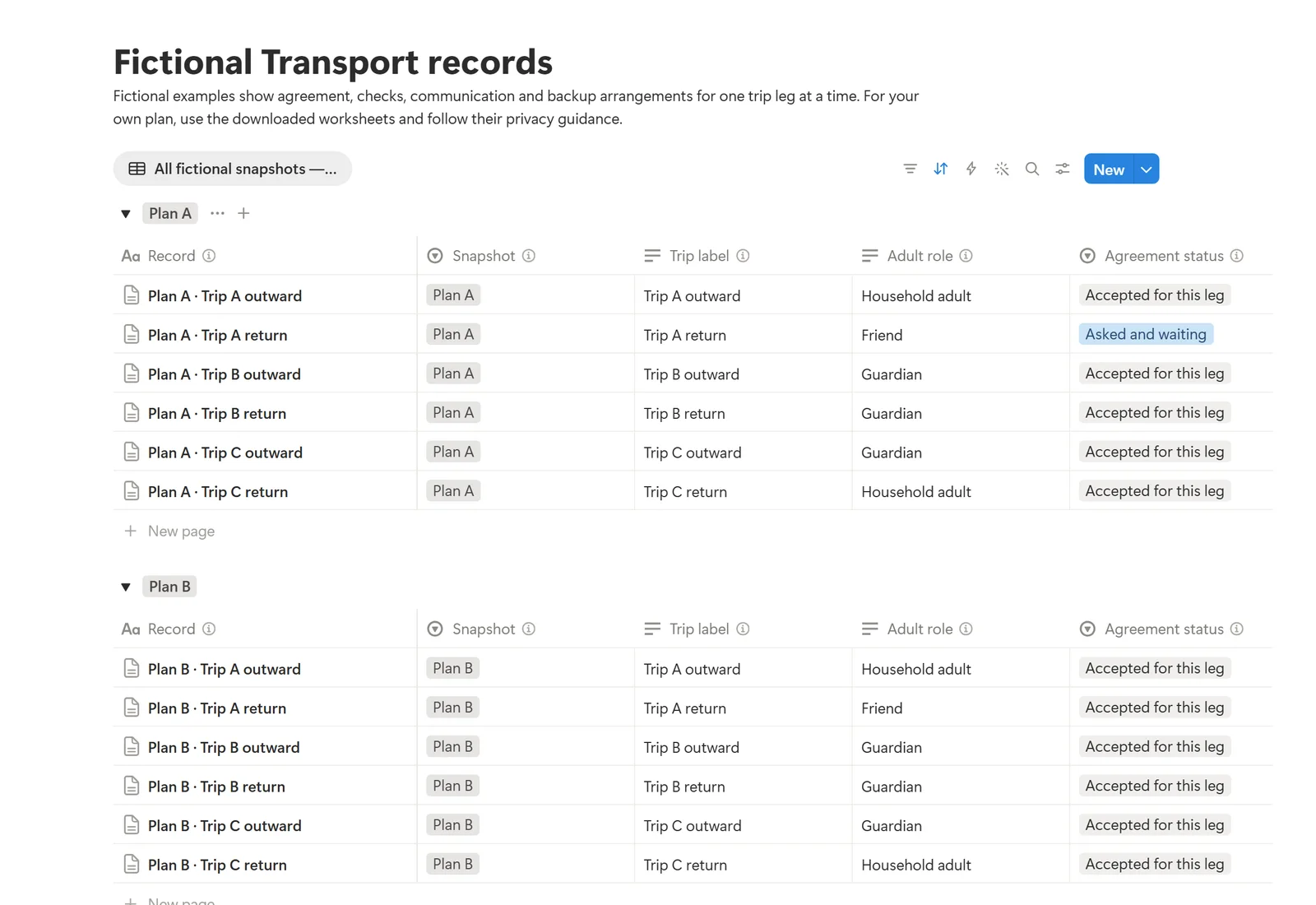
Actual Notion Fictional Transport records page in its All fictional snapshots — read one Plan at a time view with fictional examplesEnlarge the transport examples
Fictional Transport records in the actual Notion companion, grouped by plan. Every row is a fictional example; columns show adult role, agreement status and arrangement check.

Choose one tool

Conflict, Transport, Gear and Volunteer blank references explain each prompt, with fictional example toggles. Use only the one that changes your next decision.

When plans change

Quick cards and scripts cover a changed plan, a reserve, nobody able to cover, and a reset after each busy window.

See six fictional plans

Fictional worked examples links Plans A to F and four databases of fictional Conflict, Transport, Gear and Volunteer records.

Included with the complete kit, not a separate purchase. Requires your own Notion account; PDF and Word work without it. Your duplicate is your own copy. It is a reference: the blank pages are prompts, every database row is fictional, and your real answers stay in the PDF or Word files. It creates no reminders, messages, sync or assignments.

Also in your kit.

Real pages from each included file, alongside the Notion companion. Open a preview to see the detail.
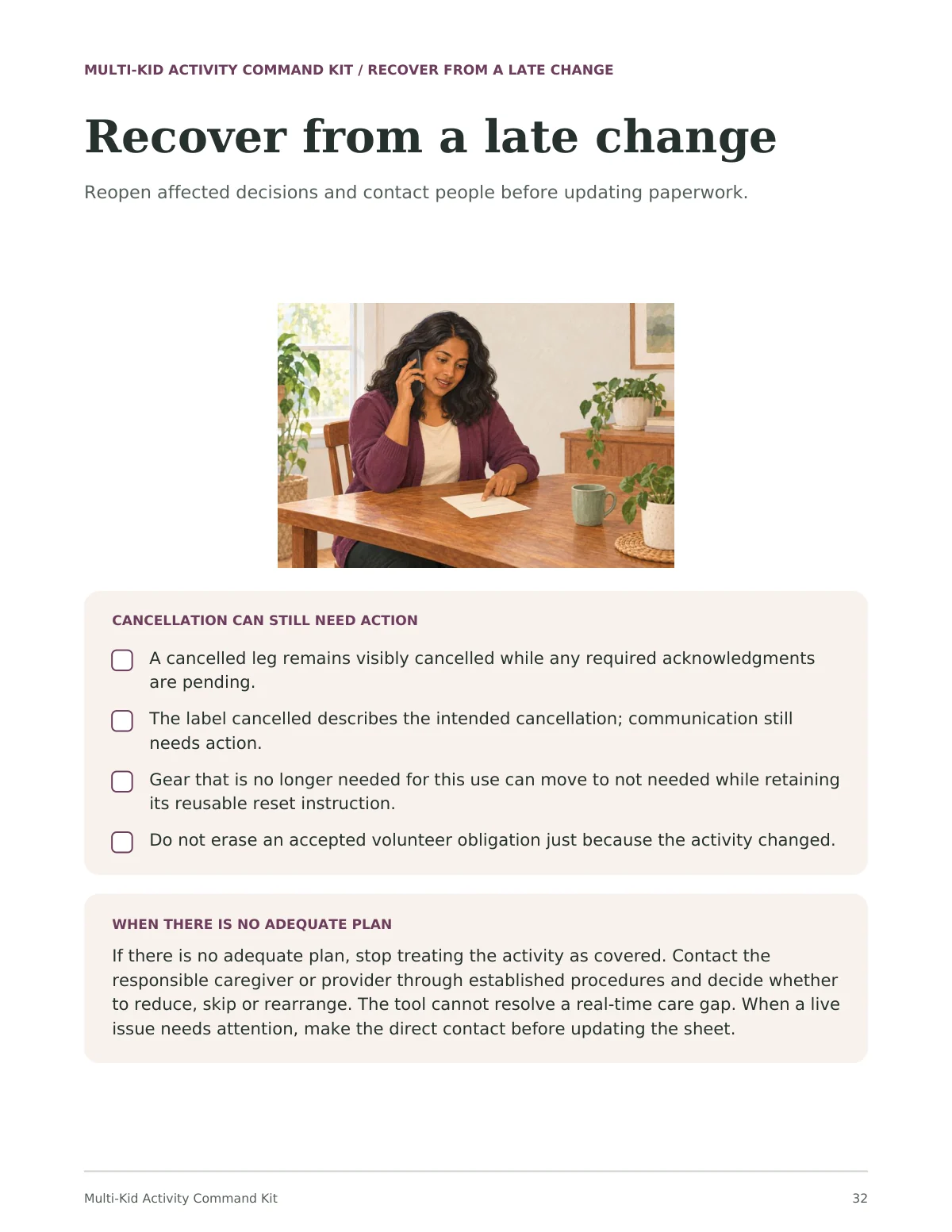
Guide page 32, Recover from a late change: an illustration of a parent on the phone at a kitchen table, a four-item checklist headed 'Cancellation can still need action', and a panel on what to do when there is no adequate plan
Illustrated guidePDFPage 32 of the guide. A cancelled leg stays visible until the people affected know, and a real-time problem goes through the provider's own process first.
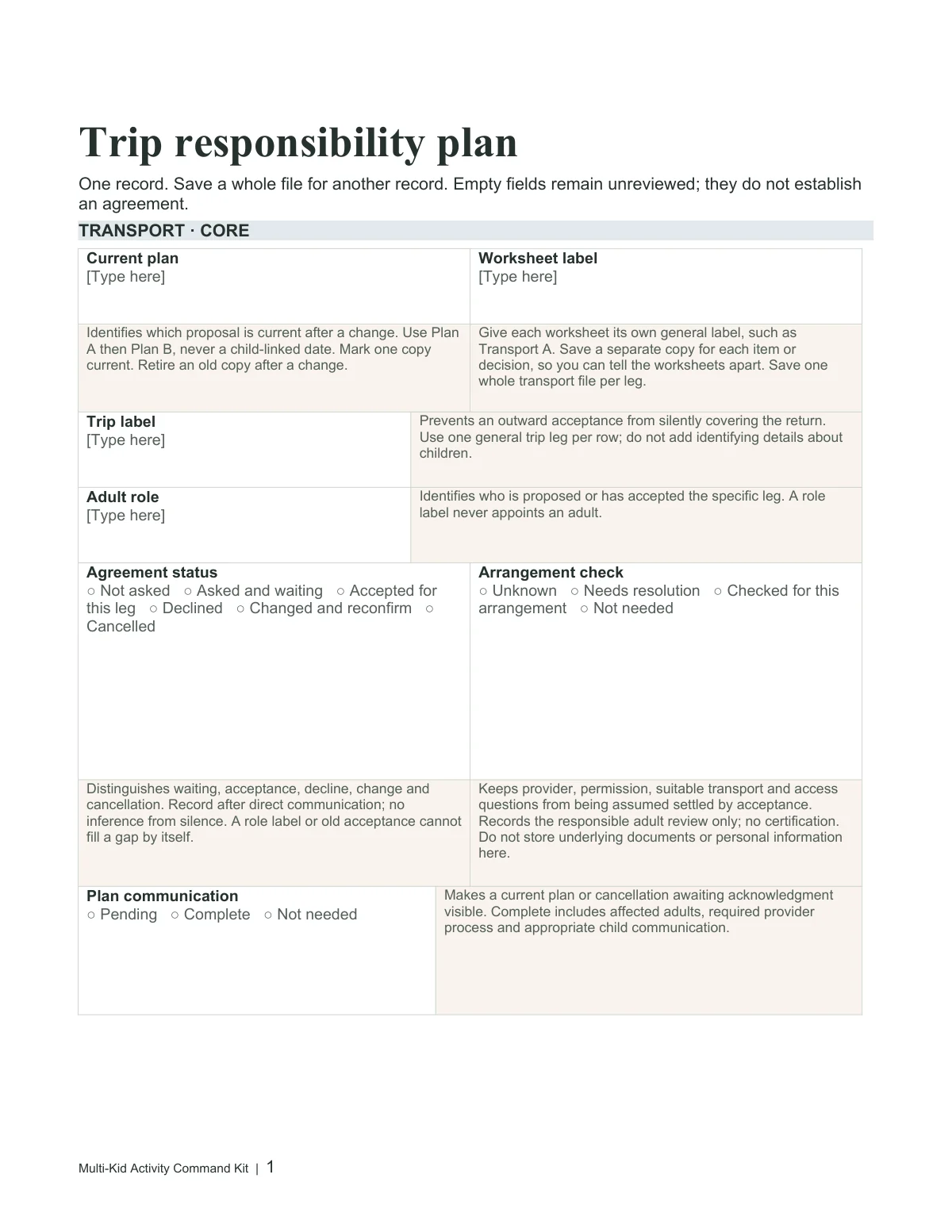
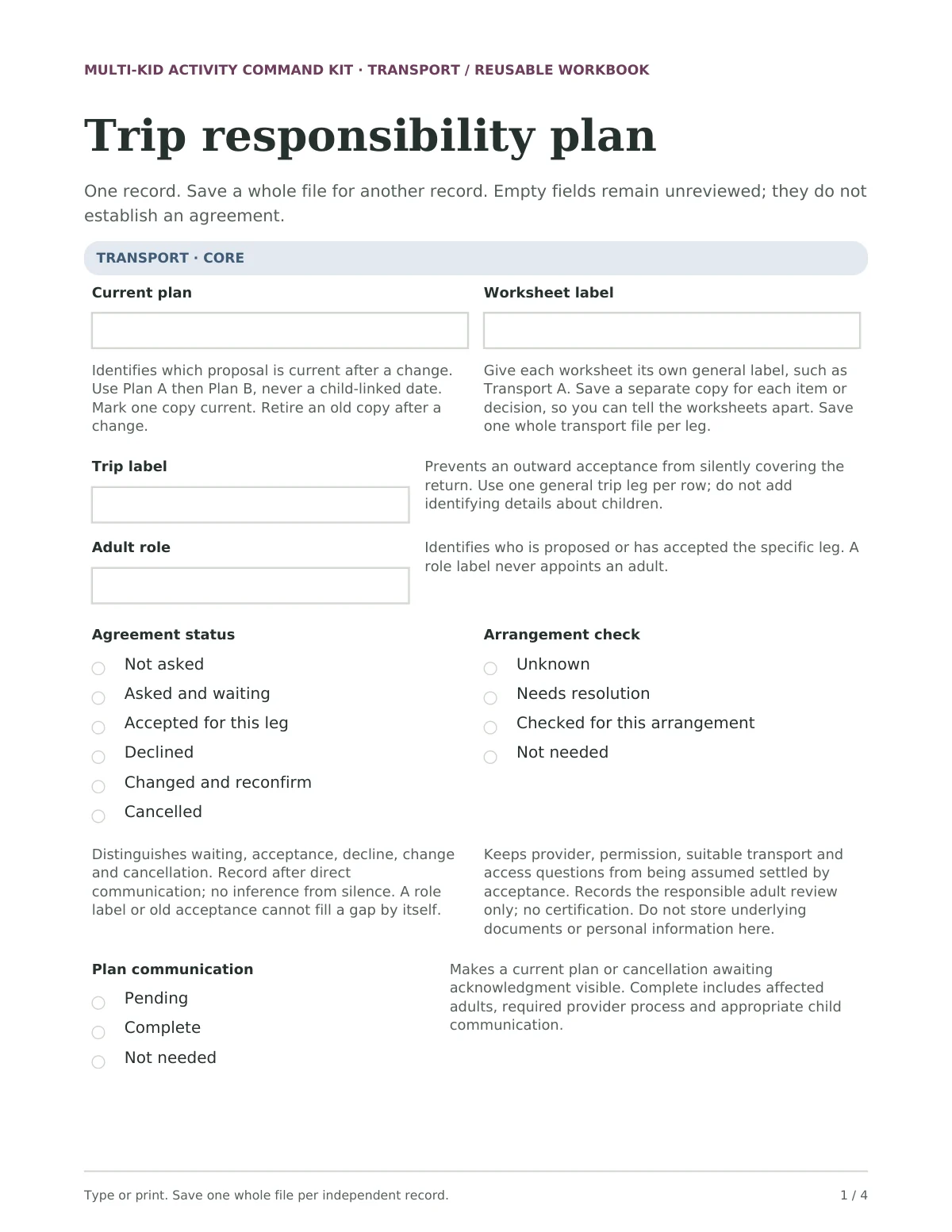
Blank Trip responsibility plan from the Transport form, with boxes for current plan, worksheet label, trip label and adult role, and option groups for agreement status, arrangement check and plan communication
Reusable planning formsFillable PDFThe Transport form, one of four. One trip leg per file; acceptance, checks and communication are recorded separately. Type or print.
The Trip responsibility plan rendered from the editable Transport Word form
Editable formsWord · .docxEach of the four forms also comes as a Word file. Fonts and pagination may vary by editor.
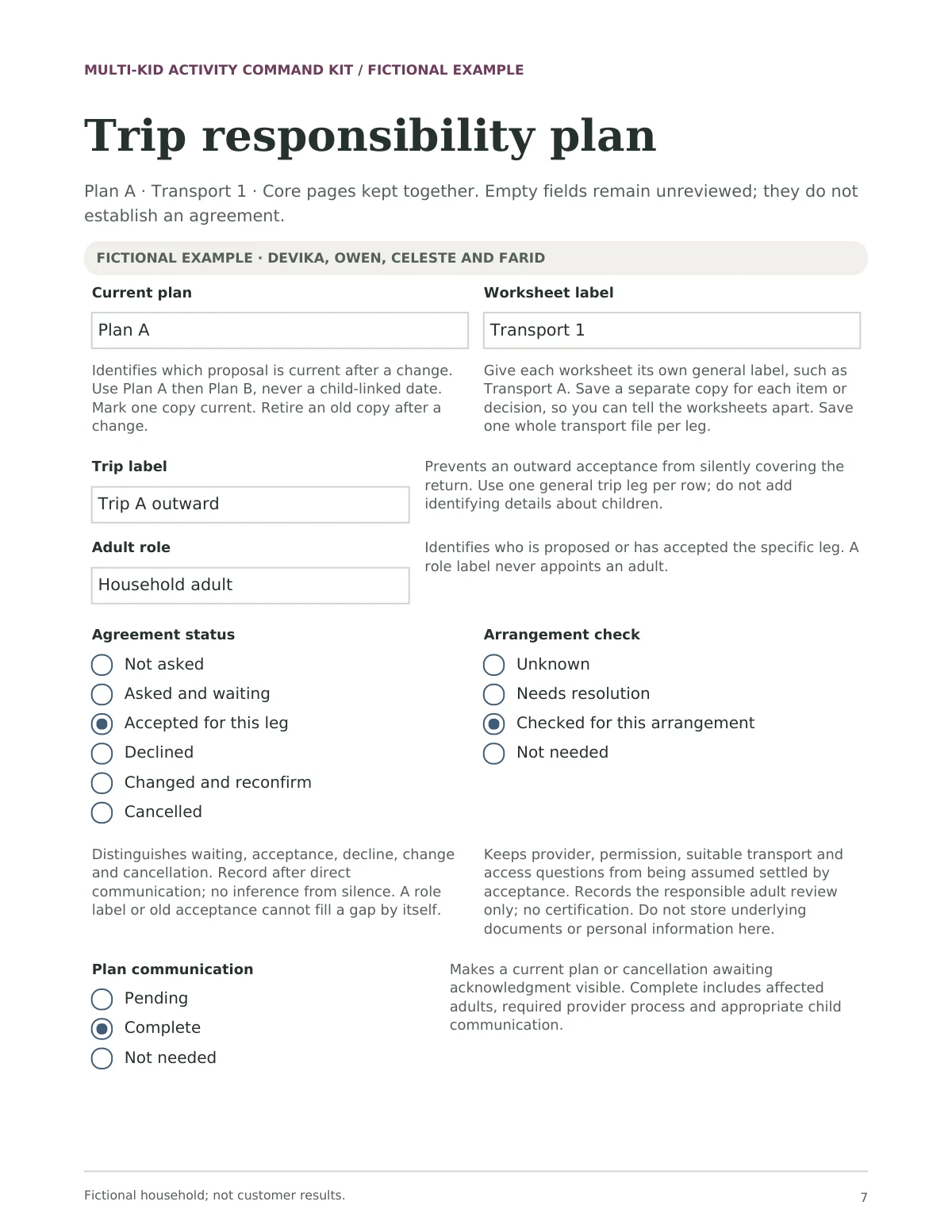
Completed Trip responsibility plan for fictional Plan A: Trip A outward, Household adult, with Accepted for this leg, Checked for this arrangement and Complete selected
Fictional worked examplePDFA Transport form filled in for a fictional household. Invented people and arrangements, not customer results.
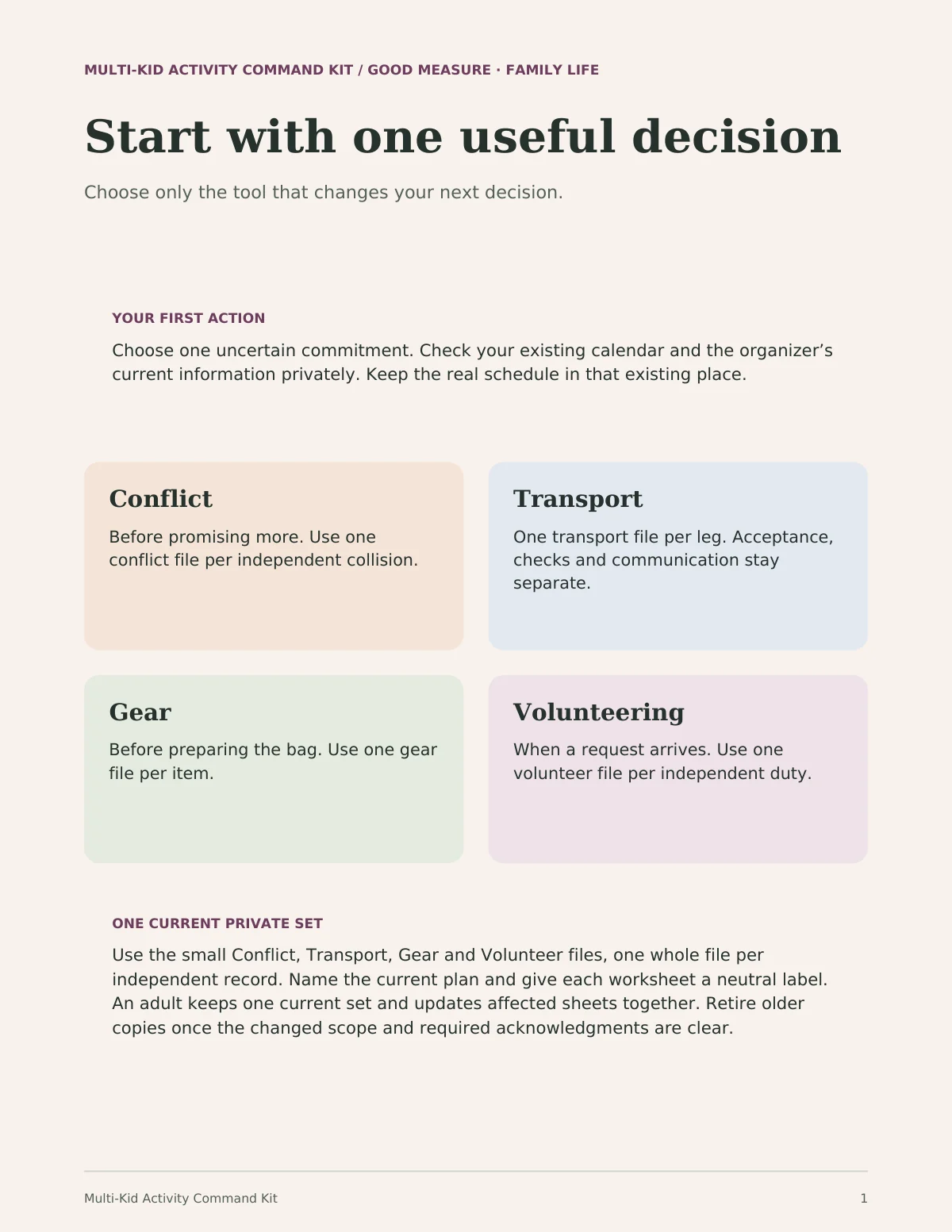
Start Here page 1, Start with one useful decision: a first action, four tinted cards for Conflict, Transport, Gear and Volunteering, and a note on keeping one current private set
Start Here handoutPDF + text instructionsChoose one uncertain commitment, then open only the form that changes your next decision.
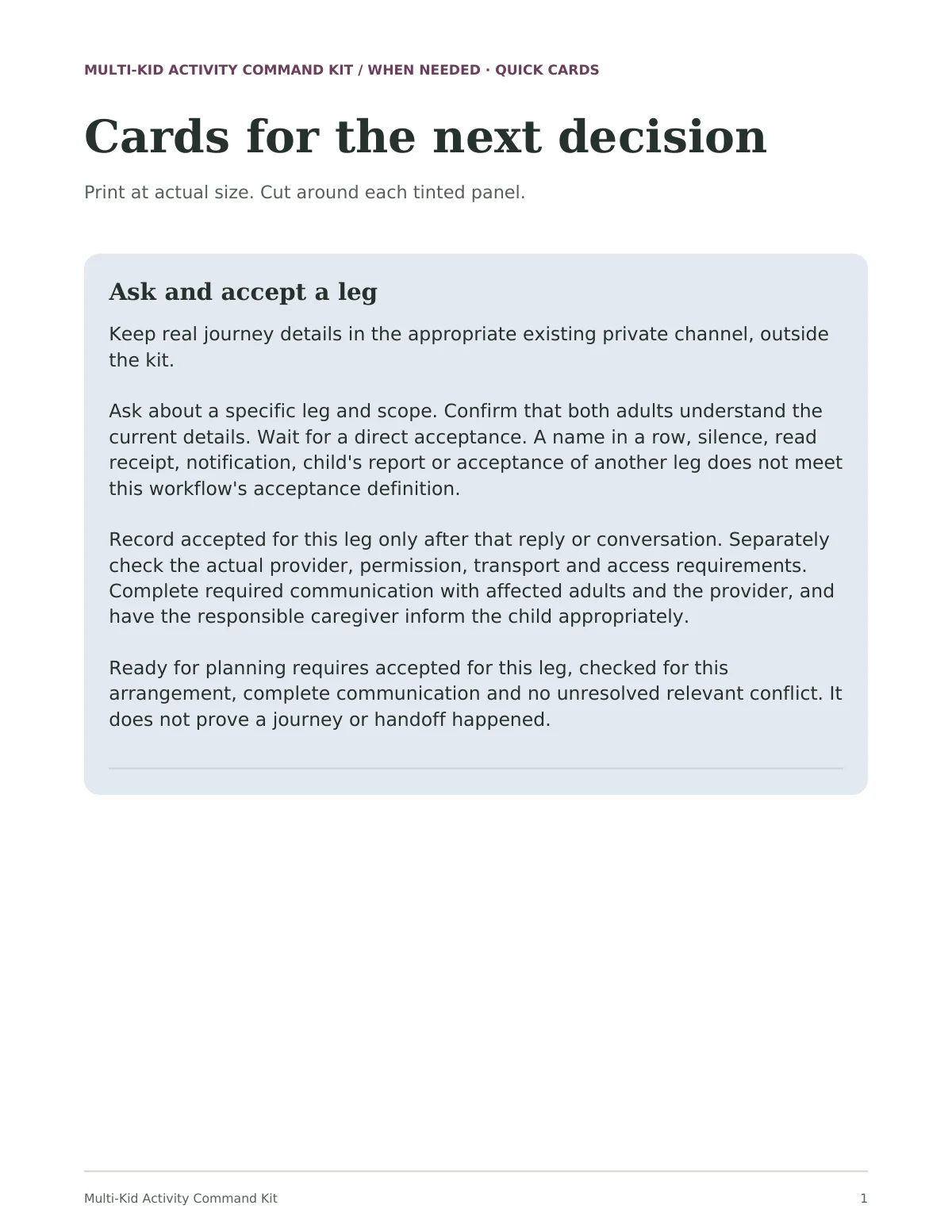
Quick card page 1, Cards for the next decision: a blue card headed Ask and accept a leg
Quick cardsPDFSix cards for asking, a reserve, a cancellation, a gap and a reset, plus notes for working on paper. Print at actual size and cut.
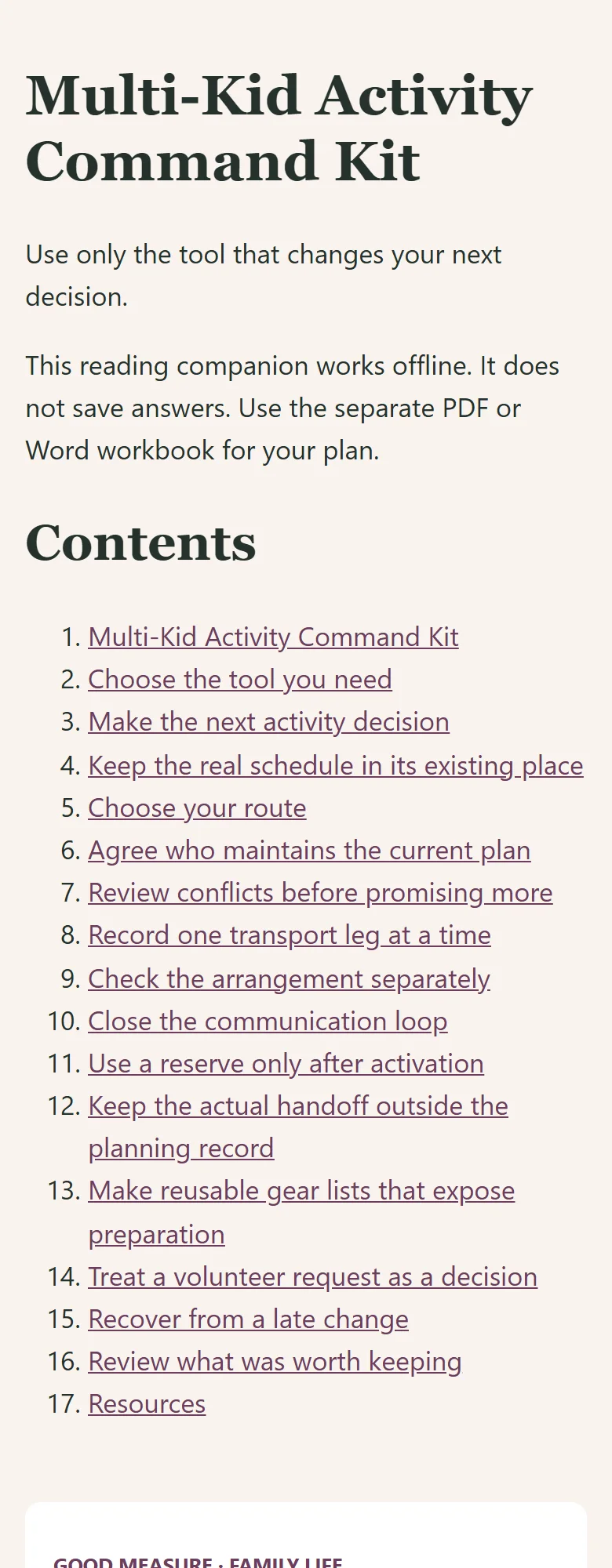
The offline reading companion open at a narrow browser width
Offline reading companionHTMLThe actual offline HTML file at a narrow browser width. It is for reading and does not save answers.

Multi-Kid Activity Command Kit · Kit preview

Actual Notion home page of Multi-Kid Activity Command Kit: the title, the Start Here callout and the first illustrated cards

Open full-size image in a new tab

One kit. Your way to use it.

Start with one useful task, then choose the format that fits. You don’t need to use every tool.

These formats exist in the current review edition. Customer delivery and release checks are still in progress.

  • Notion reference

    The four blank tools as reference pages, quick cards, and the fictional examples in four databases. Your real answers stay in the PDF or Word files.

    Template to duplicate
  • Illustrated guide

    Choose the tool you need, then follow one decision through conflicts, transport, gear, volunteering, a late change and a reset.

    35-page PDF
  • Four reusable planning forms

    Separate Conflict (4 pages), Transport (4), Gear (3) and Volunteer (3) forms. Save one whole file per conflict, trip leg, item or duty. Type or print.

    Fillable PDF · 14 pages, 77 fields in all
  • Editable forms

    The same four forms in Word, for longer answers.

    4 Word documents
  • Fictional worked example

    A fictional household's Plans A and B in full on the real forms, then a what-changed page each for Plans C to F. These are not customer results.

    75-page PDF
  • Quick cards

    Six cards for asking and accepting a leg, activating a reserve, a cancellation, a gap and a reset, plus notes for paper use.

    8-page PDF
  • Reading companion

    Read the guide in your browser, including on a phone. This file does not collect or save answers.

    Offline HTML
  • Start Here handout

    Choose one uncertainty and a tool, find every file, and learn how to save and print a complete current set.

    4-page PDF + text instructions

Four tools. Start with the one you need.

  1. 01. ConflictsBefore promising more. Which commitments collide, and which adult acts next?
  2. 02. TransportOne leg at a time. Has an adult directly accepted this leg, checked and communicated?
  3. 03. GearBefore preparing the bag. What needs preparing or returning, and who owns it?
  4. 04. VolunteeringWhen a request arrives. Requested, accepted or changing, and has the organizer confirmed?

Every tool is optional. For a busy review, start with the conflict check, then open only the transport, gear or volunteer forms your choices affect.

Before you begin.

Who is this guide for?

Households with several children's activities.

Can I buy this guide yet?

This edition is available to preview while review and delivery checks are completed. Purchases are not open yet; the proposed price may change before release.

What is outside its scope?

Keep children's locations and schedules private. Share completed plans only with the people who need them.

Which formats can I use?

Use the fillable PDF in a compatible reader, print it, or use the editable Word files. Save, close and reopen a copy to check your answers. The offline HTML companion is for reading and does not save answers. Notion is optional and requires your own account; its customer-copy route is still being checked. Notion is a reference only. Keep real answers in the offline PDF or Word files. Keep child names, exact dates, times, locations and live schedules outside this kit; use general labels and adult roles.

A place to start, and start again.

Multi-Kid Activity Command Kit · Complete Kit

Explore the family guides

Explore another useful starting point.

See the collection